


Why Discovery Depends on a Healthy CMDB
On this page
In this lesson, you will learn:
- What Discovery does to a messy CMDB
- The three things to check before scanning
- Why this comes before design
🔁 Quick look back: Last time: Writing and Signing Off the Requirements. You learned how to write, trace and sign off the requirements.
1 The Problem: Discovery Can Make a Messy CMDB Worse
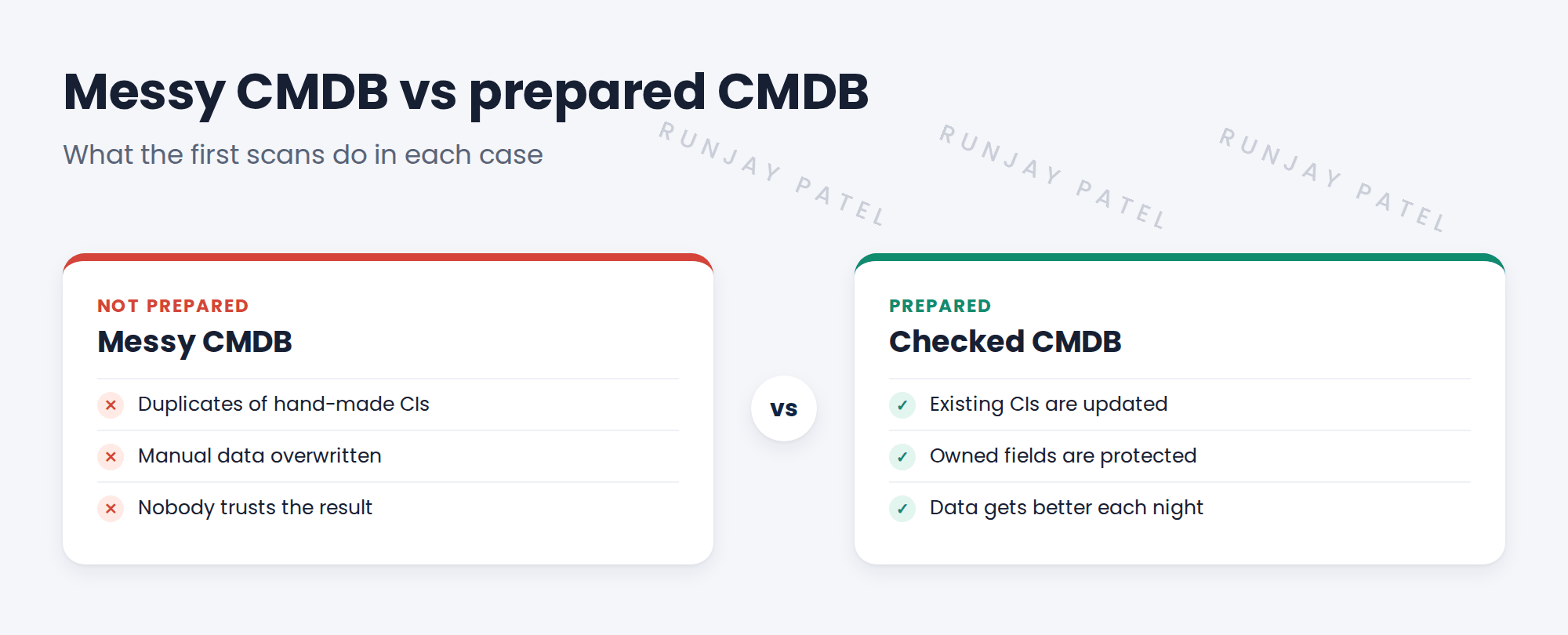
SNWR’s CMDB was built by hand from a spreadsheet. If you point Discovery at it now:
- Hand-made CIs with odd names won’t match, so Discovery creates duplicates.
- Good manual data, like support groups, could be overwritten.
- Old servers stay ‘Operational’ forever.
👉 The fix: Check and clean the CMDB before the first scan, and design the rules that protect it.
2 Three things to check first
- Duplicates. Are some servers already in the CMDB twice?
- Matching data. Do CIs have serial numbers or clean names that IRE can match?
- Other sources. Which imports or people write to the same CIs?
💡 Good to know: Need a refresher? See Fundamentals › CMDB Essentials › CMDB Health & Maintenance for CMDB health basics.
3 Why before design
What you find decides design choices: identification rules, which source wins, and what to clean first.
⭐ Remember: Clean first, then scan. It’s much harder to clean after thousands of scans have run.
4 Project Clear View: How We Implemented It
📍 Situation: Hana wants to start scanning soon. The CMDB hasn’t been checked in years.
🧭 Decision: Add a CMDB readiness step in weeks 2-3, before design.
🛠️ Steps we took:
- Explained to Hana what a messy CMDB does to Discovery.
- Agreed three checks: duplicates, matching data, other sources.
- Booked two sessions with Hana to go through the CMDB.
- Added a readiness review meeting at the end of week 3.
✅ What we verified:
- Hana agreed to clean before scanning.
- The readiness review is in the plan.
📁 Evidence: The CMDB readiness task in the plan (see CMDB Readiness › The Project Clear View CMDB Readiness Review).
5 Quick recap
- A messy CMDB leads to duplicates and overwritten data.
- Check duplicates, matching data and other sources first.
- What you find shapes the design.
- Clean first, then scan.
6 Check yourself
Think of your answer first. Then tap to check.
1 What can happen if Discovery meets hand-made CIs with odd names? Show answer
They don’t match, so Discovery creates duplicates.
2 Name the three things to check first. Show answer
Duplicates, matching data and other sources.
3 Why check the CMDB before design? Show answer
The findings decide identification rules, source precedence and cleanup.
Nice work! You know why the CMDB comes first. 🎉
Next up: CI Classes Discovery Will Populate
Was this lesson helpful?
Please log in to share lesson feedback.
Have a question or doubt?
Ask here and get help from instructors and fellow learners.
Only logged-in learners can post.





