


Validating Pattern Commands and sudo Permissions
On this page
In this lesson, you will learn:
- Why sudo rules often miss commands
- How to check the list against the patterns
- How to test it safely
🔁 Quick look back: Last time: Validating Network Connectivity Before Discovery. You learned how to test every port matrix row from the MID host.
1 The Problem: sudo Rules Can Miss a Command
Priya built the sudo rules from the privilege matrix. But one typo or missing path means:
- A command fails during the scan.
- A field stays empty, and nobody notices.
👉 The fix: Check the sudo list against the pattern commands, and test it on one server.
2 How to check
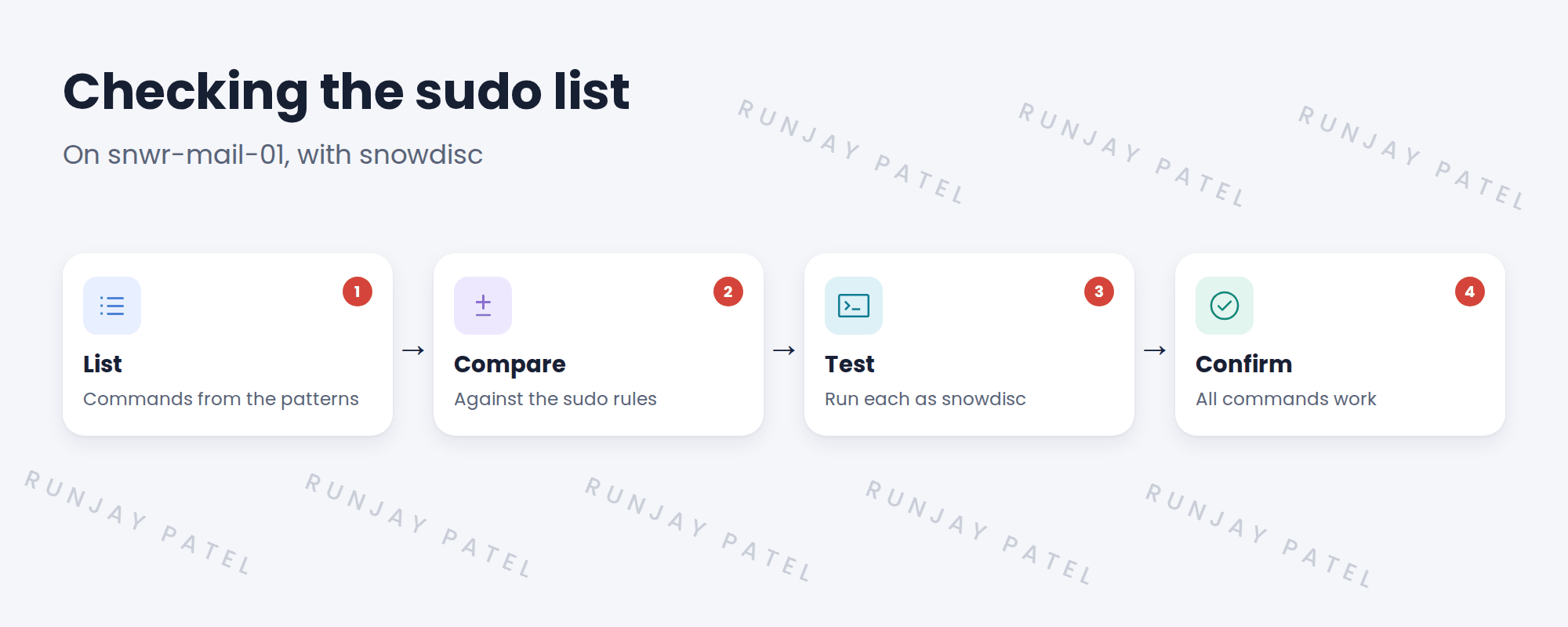
- Get the command list for the Linux and application patterns.
- Compare it with the sudo rules, path by path.
- Log in as the Discovery account on one test server.
- Run each command that needs sudo, and note any failure.
⚠️ Heads up: Only run read commands. Never test by running commands that change the server.
3 Why paths matter
sudo rules usually name the full path of a command. If the path differs between OS versions, the rule may not match. SNWR runs RHEL 8 and 9, so test on both.
4 Project Clear View: How We Implemented It
📍 Situation: Priya created the sudo rules for snowdisc.
🧭 Decision: Test them on one RHEL 8 and one RHEL 9 server before the pilot.
🛠️ Steps we took:
- Pulled the command list from the patterns.
- Compared it with Priya’s rules.
- Tested on snwr-mail-01 (RHEL 9) and snwr-db-01 (RHEL 8).
- Found one command with a different path on RHEL 9. Priya fixed it.
✅ What we verified:
- All commands run on both versions.
- The fix was added to Priya’s standard build.
📁 Evidence: sudo test results, PR-13 in the tracker.
5 Quick recap
- sudo rules can miss commands quietly.
- Compare rules with the pattern command list.
- Test as the Discovery account on each OS version.
- Only run read commands when testing.
6 Check yourself
Think of your answer first. Then tap to check.
1 Why test on RHEL 8 and RHEL 9? Show answer
Command paths can differ between versions, so a rule may not match.
2 Which account do you test as? Show answer
The Discovery account, snowdisc.
3 What did SNWR’s test find? Show answer
One command with a different path on RHEL 9.
Nice work! SNWR’s Linux account is ready. 🎉
Next up: Running the Pre-Discovery Readiness Check
Was this lesson helpful?
Please log in to share lesson feedback.
Have a question or doubt?
Ask here and get help from instructors and fellow learners.
Only logged-in learners can post.





