


Debugging a Pattern
On this page
In this lesson, you will learn:
- How Debug mode works
- How to find the failing step
- Common reasons steps return nothing
🔁 Quick look back: Last time: Pattern Operations: Match and Parse. You learned how Match and Parse operations check and extract values.
1 The Problem: A Field Stays Empty With No Error
On one test server, the Linux pattern completed, but a field stayed empty. There was no error. So:
- Something returned nothing, quietly.
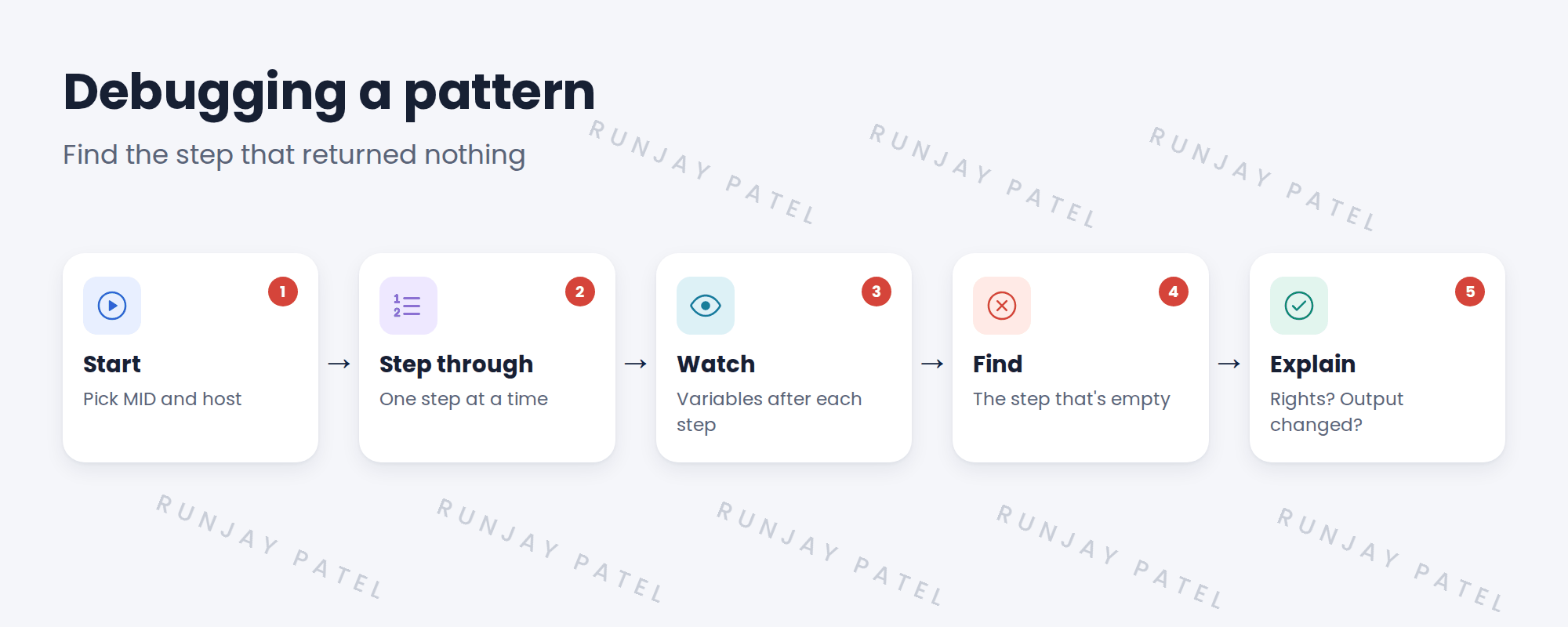
👉 The fix: Run the pattern in Debug mode and find the step that returned nothing.
2 Common reasons
| Reason | What you see |
|---|---|
| Missing rights | Command output says permission denied |
| Output looks different | Parse finds no match |
| Condition false | Match stopped the step |
| Wrong path | File not found |
3 Tips
- Debug on one host at a time.
- Compare with a host where it works.
- Fix the cause, like rights, before changing the pattern.
4 Project Clear View: How We Implemented It
📍 Situation: A field stayed empty on one test server.
🧭 Decision: Debug the pattern on that server and a working one.
🛠️ Steps we took:
- Ran Debug on the failing host.
- Found a parse step with no match.
- Compared output: this server printed the value in a different format.
- Checked for newer content, which had a fix.
✅ What we verified:
- After the content update, the field fills.
- No pattern change was needed.
📁 Evidence: Troubleshooting log entry: fixed by a content update.
5 Quick recap
- Debug mode runs a pattern step by step.
- Find the first step that returns nothing.
- Common reasons: rights, changed output, a false condition, wrong path.
- Check for a content update before editing.
6 Check yourself
Think of your answer first. Then tap to check.
1 What does Debug mode let you do? Show answer
Run a pattern step by step and watch variables after each step.
2 What caused SNWR’s empty field? Show answer
The server printed the value in a different format, so parsing found no match.
3 How was it fixed? Show answer
A newer content update already handled the format.
Nice work! You can debug a pattern. 🎉
Next up: Reviewing the Commands a Pattern Runs
Was this lesson helpful?
Please log in to share lesson feedback.
Have a question or doubt?
Ask here and get help from instructors and fellow learners.
Only logged-in learners can post.





