


Quick Discovery of One Known Linux Server
On this page
In this lesson, you will learn:
- How to run the first real scan
- What each phase shows
- What ‘good’ looks like
🔁 Quick look back: Last time: The Pre-Scan Readiness Gate. You learned the final checks before the first scan.
1 The Problem: You Need Proof the Whole Chain Works
Every part is set up: MID Server, credentials, ports, classifiers. But none has been tested together on a real server:
- A small gap anywhere could stop the scan.
👉 The fix: Discover one known Linux server, and watch every phase.
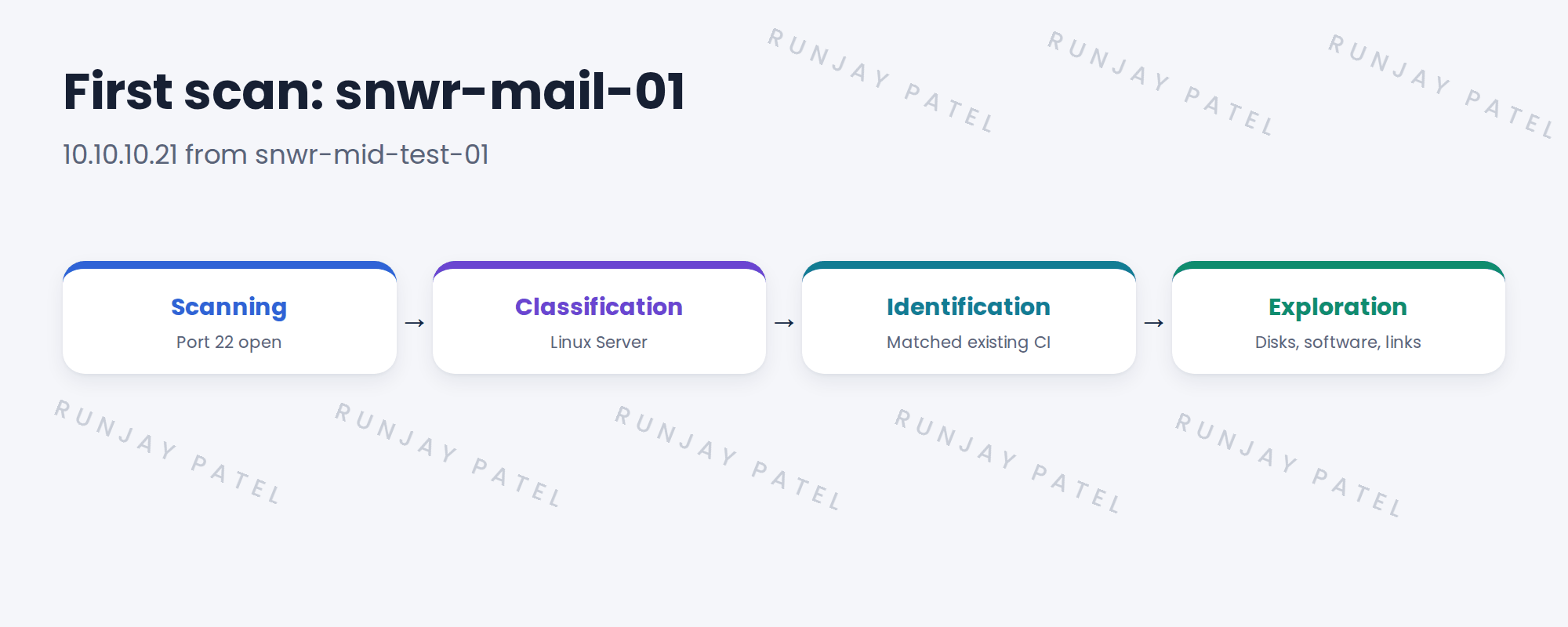
2 Running it
- Open Discovery Admin Workspace on snwrtest.
- Run Quick Discovery on 10.10.10.21.
- Open the status record and watch it progress.
- Wait for it to complete.
3 What good looks like
- Status: Completed, no errors.
- The device shows as a Linux Server.
- The existing CI was updated, not a new one created.
- Fields like OS version and serial number are filled.
4 Project Clear View: How We Implemented It
📍 Situation: It’s Monday of week 6. The pre-scan gate passed.
🧭 Decision: Run Quick Discovery on snwr-mail-01 with Hana watching.
🛠️ Steps we took:
- Ran Quick Discovery on 10.10.10.21 from snwrtest.
- Watched the status move through each phase.
- Opened the CI after completion.
- Showed Hana the updated fields.
✅ What we verified:
- Completed with no errors.
- The existing CI was updated, now with a serial number.
📁 Evidence: The status record, saved as evidence for gate 4.
5 Quick recap
- Test the whole chain on one known device.
- Run Quick Discovery and watch the status.
- Good means completed, right class, existing CI updated.
- Check key fields are filled.
6 Check yourself
Think of your answer first. Then tap to check.
1 Why scan a known server first? Show answer
You know what it should look like, so you can check the result.
2 What shows the existing CI was matched? Show answer
It was updated, and no new CI was created.
3 Which new field appeared on snwr-mail-01? Show answer
The serial number.
Nice work! The whole Discovery chain works at SNWR. 🎉
Next up: Following the Discovery: Status, Logs and ECC Queue
Was this lesson helpful?
Please log in to share lesson feedback.
Have a question or doubt?
Ask here and get help from instructors and fellow learners.
Only logged-in learners can post.





