


Governance and Status Reporting
On this page
In this lesson, you will learn:
- How to set up a weekly status rhythm
- What goes in a red, amber, green report
- How scope changes are approved
🔁 Quick look back: Last time: Risks, Assumptions and Dependencies. You learned how to keep a RAID log.
1 The Problem: Anita Hears About Delays Too Late
On a past project, the sponsor found out about a two-week delay at a gate meeting. Nobody had reported:
- The firewall change was stuck.
- The accounts were late.
- The plan had quietly slipped.
👉 The fix: Report status every week, with a simple red, amber, green view.
2 The weekly rhythm
- A 30-minute status call every Thursday.
- A one-page report the same day.
- The RAID log reviewed on the call.
- A monthly check-in with Anita.
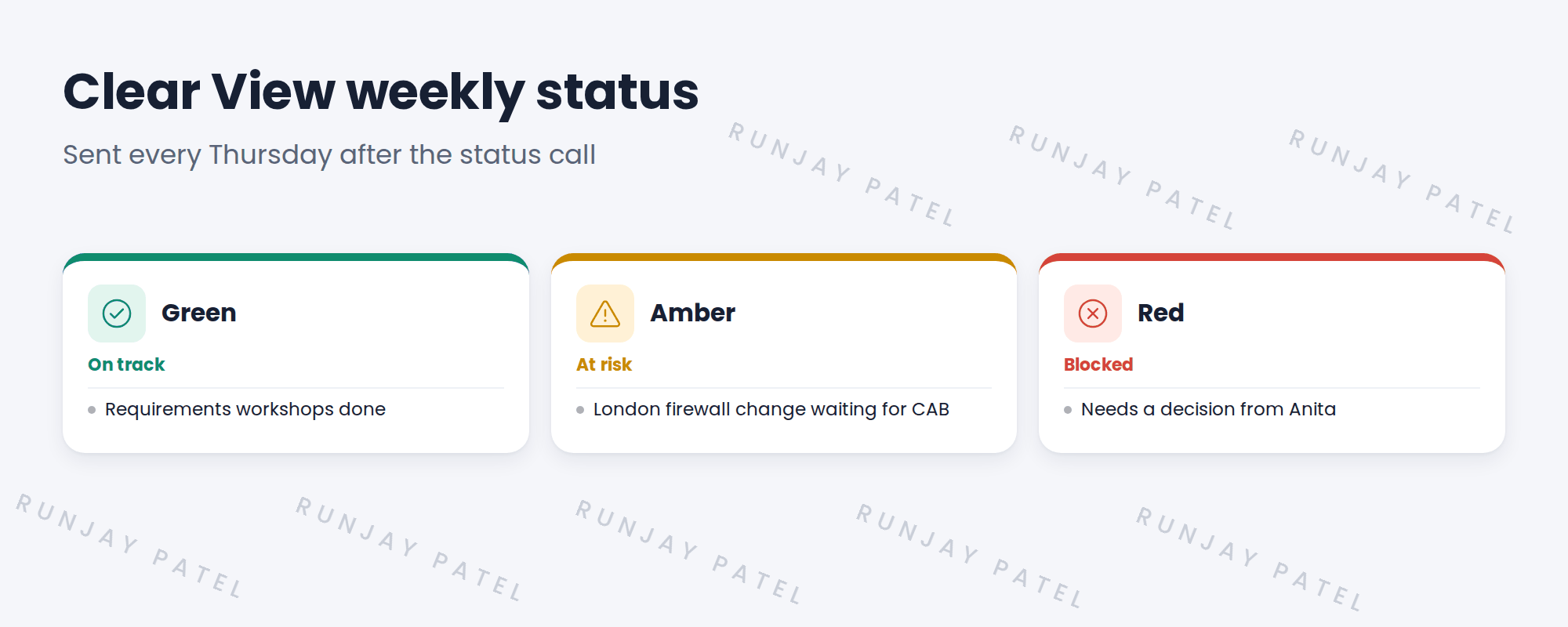
Key term: Green
On track.
Key term: Amber
At risk. A fix is in progress.
Key term: Red
Blocked. Needs a decision or help.
3 Scope changes
New requests don’t get added quietly. They go through a change request: what’s asked, the impact on time and cost, and who approves.
⭐ Remember: On Clear View, Anita approves scope changes. Hana can approve small clarifications.
4 Project Clear View: How We Implemented It
📍 Situation: Hana wanted to know how progress would be shared.
🧭 Decision: Agree a weekly rhythm and a one-page report at kickoff.
🛠️ Steps we took:
- Set up the Thursday call with Hana, Riya, Ravi and Priya.
- Built a one-page report: RAG by area, top risks, decisions needed.
- Agreed that Anita approves scope changes.
- Sent the first report in week 1.
✅ What we verified:
- The first report went out on time.
- Anita said the one-page format suits her.
📁 Evidence: The status report template, and the first weekly report.
5 Quick recap
- Report status every week.
- Green is on track, amber is at risk, red is blocked.
- Scope changes go through a change request.
- Anita approves scope changes on Clear View.
6 Check yourself
Think of your answer first. Then tap to check.
1 What does amber mean in a status report? Show answer
At risk, with a fix in progress.
2 How are new requests handled? Show answer
Through a change request that shows impact on time and cost, approved by the sponsor.
3 How often is the Clear View status report sent? Show answer
Every Thursday, after the status call.
Nice work! Clear View is reported clearly every week. 🎉
Next up: How to Run a Discovery Requirements Workshop
Was this lesson helpful?
Please log in to share lesson feedback.
Have a question or doubt?
Ask here and get help from instructors and fellow learners.
Only logged-in learners can post.





