


Quick Discovery for One Device
On this page
In this lesson, you will learn:
- What Quick Discovery is
- When to use it
- How to read its result
🔁 Quick look back: Last time: Choosing the Schedule Type. You learned the schedule types and when to use each.
1 The Problem: Waiting for Tonight’s Scan Is Too Slow
Priya rebuilt snwr-mail-02 this morning. Hana wants the CMDB updated today. Tonight’s schedule is hours away, and:
- The Service Desk needs the new details now.
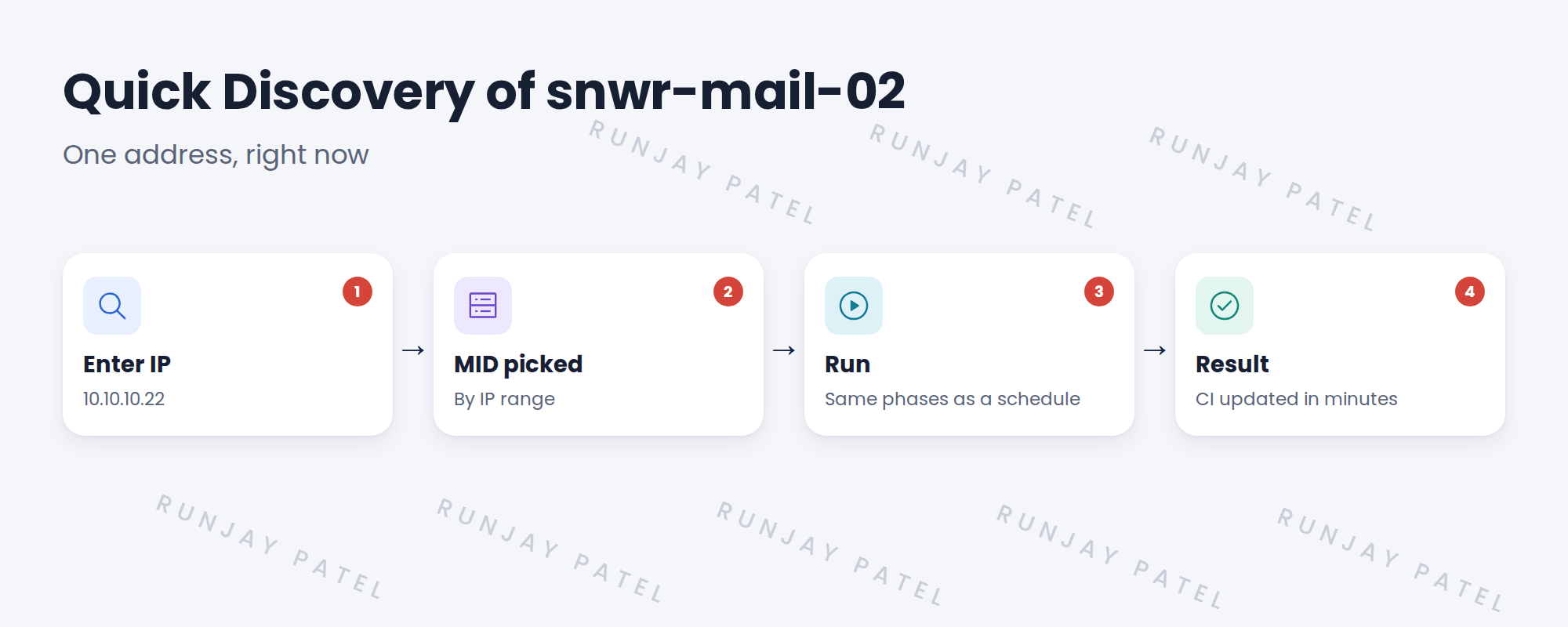
👉 The fix: Run Quick Discovery on the server’s IP address.
2 Quick Discovery
Key term: Quick Discovery
Runs Discovery on one IP address straight away, without a schedule. Sometimes called Discover Now.
It uses the same MID Servers, credentials and patterns as a schedule.
3 When to use it
- A server was just built or changed.
- You’re testing a fix.
- You’re checking one device during troubleshooting.
⚠️ Heads up: Quick Discovery still touches a live device. Follow the same approvals as scheduled scans.
4 Project Clear View: How We Implemented It
📍 Situation: snwr-mail-02 was rebuilt and Hana wanted it updated today.
🧭 Decision: Run Quick Discovery on 10.10.10.22.
🛠️ Steps we took:
- Opened Discovery Admin Workspace on snwrtest.
- Entered 10.10.10.22 and ran Quick Discovery.
- Waited for the status to complete.
- Checked the CI’s OS version and last discovered date.
✅ What we verified:
- The CI shows the new OS version.
- The last discovered date is today.
📁 Evidence: The Quick Discovery status record, linked to Priya’s change.
5 Quick recap
- Quick Discovery scans one address right away.
- It uses the same MID Servers, credentials and patterns.
- Use it for new builds, fixes and troubleshooting.
- It still needs the usual approvals.
6 Check yourself
Think of your answer first. Then tap to check.
1 When is Quick Discovery useful? Show answer
After a server is built or changed, when testing a fix, or when troubleshooting one device.
2 Does Quick Discovery use different credentials? Show answer
No. It uses the same ones as schedules.
3 Which IP did you scan for snwr-mail-02? Show answer
10.10.10.22.
Nice work! You can discover one device on demand. 🎉
Next up: Timing, Run Limits and Scan Windows
Was this lesson helpful?
Please log in to share lesson feedback.
Have a question or doubt?
Ask here and get help from instructors and fellow learners.
Only logged-in learners can post.





