


IP Services and Port Probes
On this page
In this lesson, you will learn:
- What an IP service is
- What a port probe does
- How SNWR added port 8465
🔁 Quick look back: Last time: Discovery Behaviors and Functionality Definitions. You learned how behaviors send each protocol to the right MID Server.
1 The Problem: Discovery Doesn’t Know About Port 8465
The SNWR Mail Archiver listens on port 8465. Discovery’s scanning step doesn’t check that port. So:
- It doesn’t notice the archiver’s port is open.
- Nothing points Discovery at the app.
👉 The fix: Add an IP service for port 8465, so the scan notices it.
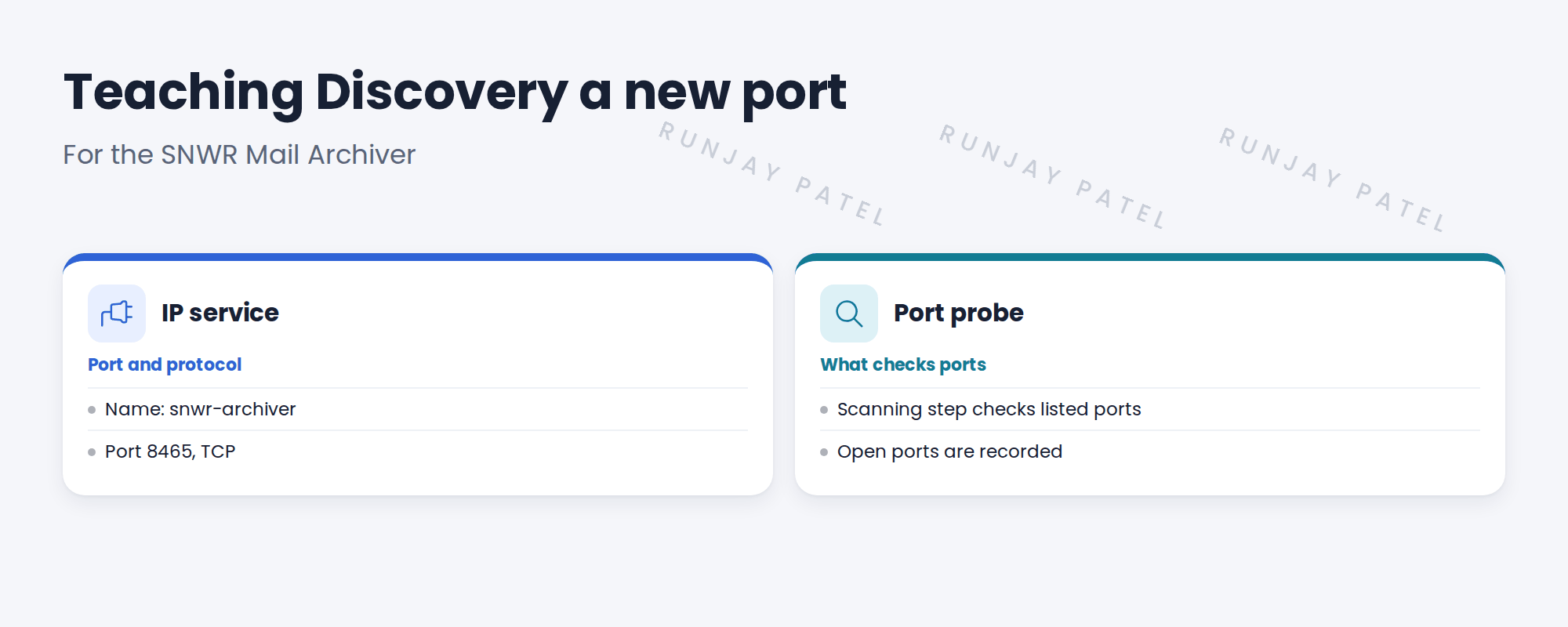
2 IP services and port probes
Key term: IP service
A named port and protocol, such as SSH on 22/TCP.
Key term: Port probe
The scanning step that checks whether ports are open on each address.
Open ports help classify devices and point to applications.
3 Adding a port
- Create an IP service with the name, port and protocol.
- Check it’s included in the port checks used by your schedules.
- Run a test scan and look for the port in the results.
⚠️ Heads up: Only add ports you need. Every extra port makes scans a little longer.
4 Project Clear View: How We Implemented It
📍 Situation: The archiver’s port wasn’t being noticed.
🧭 Decision: Add an IP service for 8465 and test.
🛠️ Steps we took:
- Created IP service snwr-archiver on 8465/TCP on snwrdev.
- Checked the scanning step includes it.
- Ran Quick Discovery on the lab copy of the archiver.
- Saw 8465 recorded as open.
✅ What we verified:
- Port 8465 appears in the results.
- No other ports were added.
📁 Evidence: The IP service, listed in the migration matrix.
5 Quick recap
- An IP service is a named port and protocol.
- The port probe checks which ports are open.
- Open ports help classify devices and find apps.
- Add only the ports you need.
6 Check yourself
Think of your answer first. Then tap to check.
1 What is an IP service? Show answer
A named port and protocol, like SSH on 22/TCP.
2 Which port does the SNWR Mail Archiver use? Show answer
8465/TCP.
3 Why not add many ports? Show answer
Each extra port makes scans longer.
Nice work! Discovery now notices the archiver’s port. 🎉
Next up: Device Classifiers
Was this lesson helpful?
Please log in to share lesson feedback.
Have a question or doubt?
Ask here and get help from instructors and fellow learners.
Only logged-in learners can post.





