


A Troubleshooting Method
On this page
In this lesson, you will learn:
- The four questions for any failure
- How the phases point to the cause
- How to record what you find
🔁 Quick look back: Last time: Deciding Whether the Project Is Ready to Expand. You learned how SNWR decided to expand after the pilot.
1 The Problem: Failures Get Fixed by Guessing
When scans fail, people often guess: ‘Maybe the password?’ ‘Maybe the firewall?’ Guessing means:
- Changes are made that weren’t needed.
- The real cause stays hidden.
👉 The fix: Use the same four questions every time, in order.
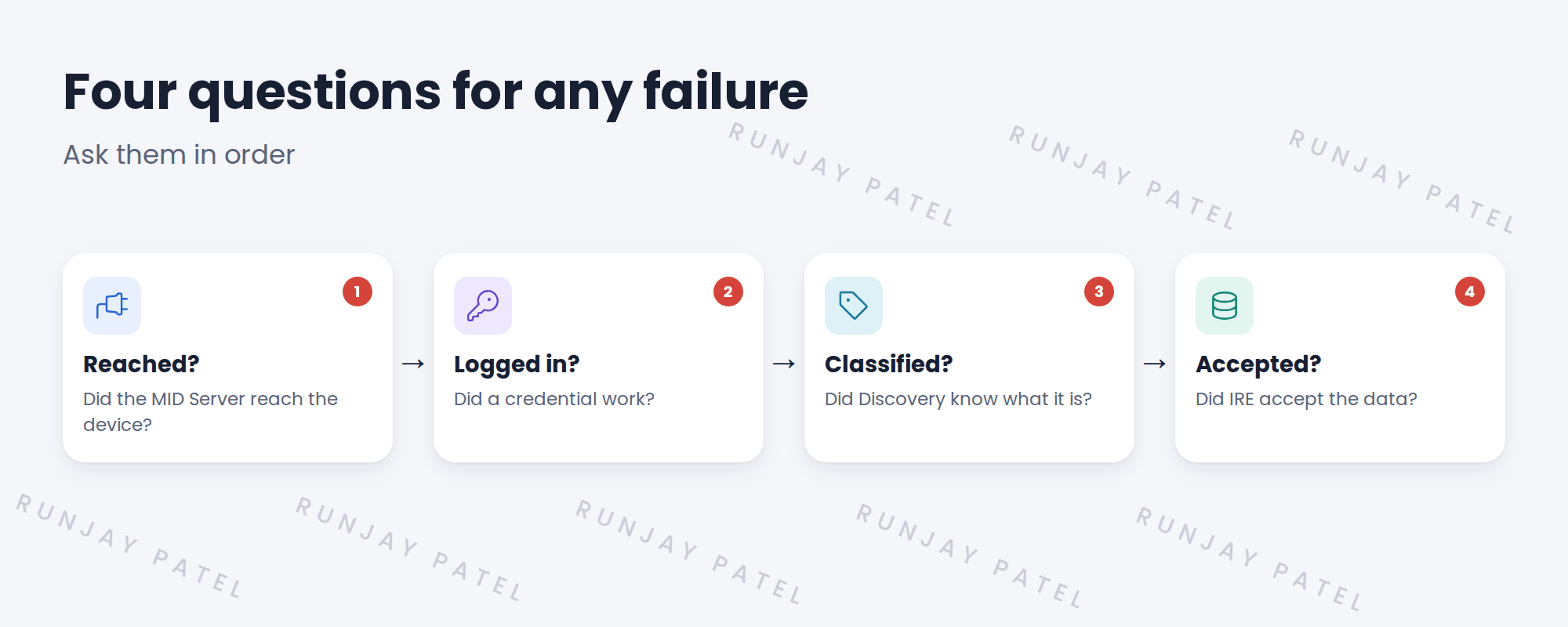
2 The four questions
| Question | Look at |
|---|---|
| Did the MID Server reach the device? | Scanning results, port checks |
| Did a credential work? | Discovery log, credential errors |
| Was it classified? | Device history, classification step |
| Did IRE accept the data? | Discovery log, IRE messages, duplicates |
💡 Good to know: The first ‘no’ is where the problem is. Fix that before looking further.
3 Recording what you find
- Device and IP.
- Which question failed.
- Evidence: the log line or error.
- Fix and owner.
- Retest result.
4 Project Clear View: How We Implemented It
📍 Situation: The pilot had three failures.
🧭 Decision: Use the four questions on each, and keep a troubleshooting log.
🛠️ Steps we took:
- Asked the four questions for each failed device.
- Two Windows servers failed at ‘reached’: WMI was blocked.
- One RHEL 9 server failed later: it logged in, but some commands failed.
- Logged each with evidence, fix and owner.
✅ What we verified:
- Each failure has a clear first ‘no’.
- No guesswork changes were made.
📁 Evidence: The Clear View troubleshooting log.
5 Quick recap
- Ask: reached, logged in, classified, accepted.
- The first ‘no’ is where the problem is.
- Record device, question, evidence, fix, owner and retest.
- Don’t change things by guessing.
6 Check yourself
Think of your answer first. Then tap to check.
1 What are the four questions? Show answer
Did the MID reach the device, did a credential work, was it classified, did IRE accept the data?
2 Where is the problem? Show answer
At the first question that gets a ‘no’.
3 At which question did the two Windows failures stop? Show answer
The first one: the MID Server couldn’t reach them over WMI.
Nice work! You have a method for any Discovery failure. 🎉
Next up: Reading Errors and Discovery Logs
Was this lesson helpful?
Please log in to share lesson feedback.
Have a question or doubt?
Ask here and get help from instructors and fellow learners.
Only logged-in learners can post.





