


What Discovery Finds, and What It Doesn’t
On this page
In this lesson, you will learn:
- What Discovery finds on servers and network devices
- What Discovery can’t know
- How Discovery differs from Service Mapping
🔁 Quick look back: Last time: Discovery Terms Every Implementer Uses. You learned the core Discovery terms, each with an SNWR example.
1 The Problem: Arjun Expects a Service Map
Arjun Mehta owns SNWR Email. When he hears about Clear View, he gets excited:
- ‘So Discovery will draw SNWR Email from end to end?’
- ‘It will show who owns each server?’
- ‘And what each server costs?’
👉 The fix: Explain clearly what Discovery finds, what it doesn’t, and which other tool draws service maps.
2 What Discovery finds
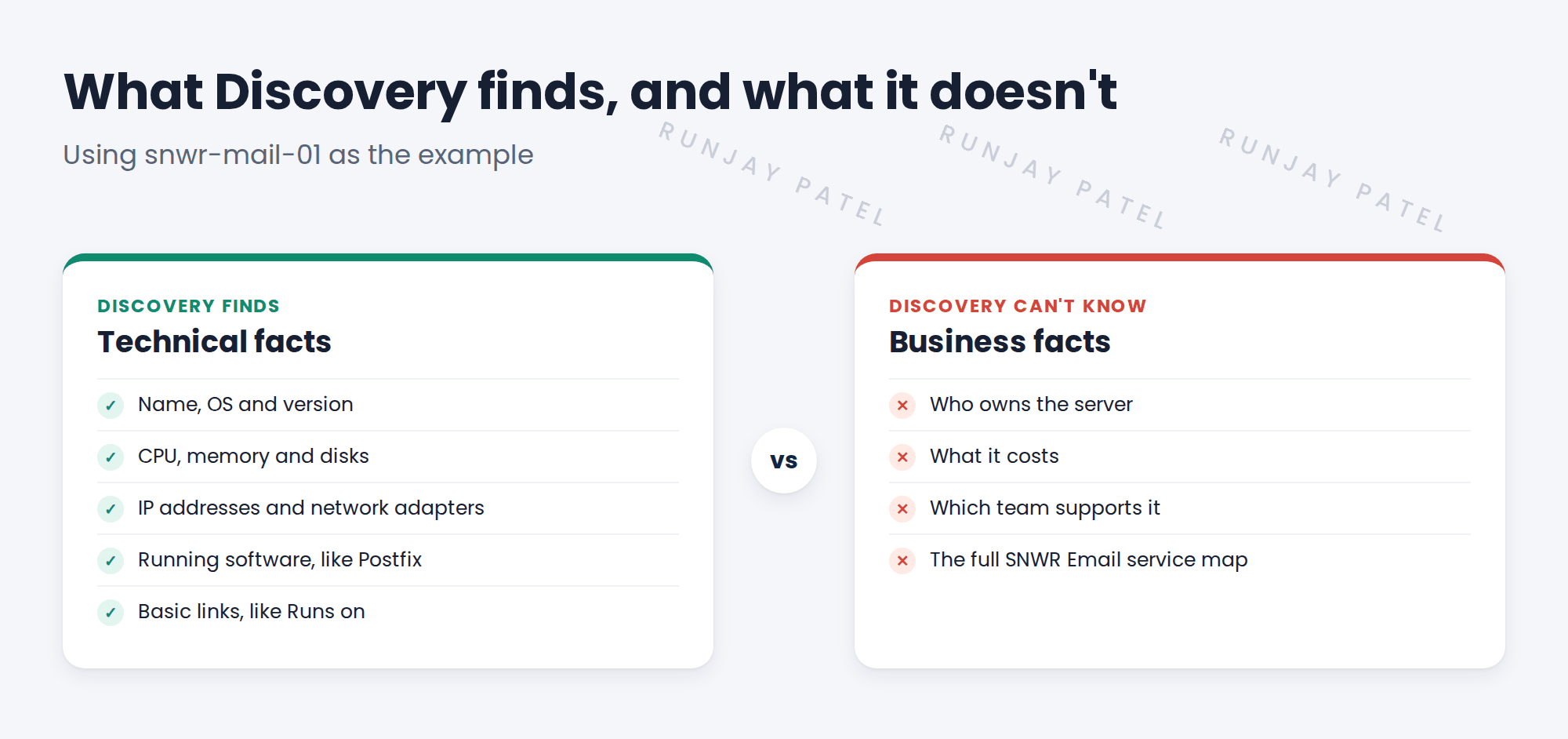
Discovery collects technical facts that a device can report about itself.
- Hardware: model, serial number, CPU, memory, disks.
- Operating system: name, version and patch level.
- Network: IP addresses, adapters, and for switches, their ports.
- Software: installed packages and running processes, such as PostgreSQL.
- Basic relationships: for example, an application Runs on a server, or a VM runs on an ESXi host.
💡 Good to know: Need a refresher? See Fundamentals › CMDB Essentials › CMDB & Configuration Items for how CIs get into the CMDB.
3 What it doesn’t do
- It can’t know owners, costs or support groups. People add those.
- It can’t see devices it can’t reach, or log in to without a credential.
- It doesn’t draw an end-to-end map of a business service. That is Service Mapping, a separate product.
Key term: Horizontal discovery
Discovery that finds all devices in a range, side by side. This is what Clear View sets up.
Key term: Service Mapping
A top-down tool. It starts at one service, like SNWR Email, and maps what it depends on.
📝 Note: Discovery can find applications on a server, like PostgreSQL on snwr-db-01. That’s still not a service map.
4 Project Clear View: How We Implemented It
📍 Situation: Arjun expects a map of SNWR Email from Clear View. It isn’t in the SOW.
🧭 Decision: Set expectations early, in writing, before he tells others.
🛠️ Steps we took:
- Showed Arjun what Discovery will find for snwr-mail-01 and snwr-mail-02.
- Explained that a full service map needs Service Mapping, which is out of scope.
- Noted his request as a possible next step for after Clear View.
- Added a short ‘in scope, out of scope’ note to the kickoff pack.
✅ What we verified:
- Arjun agreed with what Clear View will and won’t deliver.
- Hana added Service Mapping to the list of future ideas.
📁 Evidence: The ‘in scope, out of scope’ note in the kickoff pack. Service Mapping comes back in Operations Handover › Next Steps: Service Mapping, Laptops and Certificates.
5 Quick recap
- Discovery finds technical facts: hardware, OS, network, software and basic links.
- It can’t know owners, costs or support groups.
- Horizontal discovery finds everything in a range, side by side.
- Service Mapping, a separate product, maps one service from the top down.
6 Check yourself
Think of your answer first. Then tap to check.
1 Name three things Discovery finds on a Linux server. Show answer
Any three of: name, OS version, CPU, memory, disks, IP addresses, adapters, running software.
2 Can Discovery say who owns snwr-mail-01? Show answer
No. Owners are business facts that people add.
3 Which product draws an end-to-end map of SNWR Email? Show answer
Service Mapping. Discovery finds the parts, but doesn’t draw the full service.
Nice work! You know what Discovery can and can’t do. 🎉
Next up: How Discovery Works: The Big Picture
Was this lesson helpful?
Please log in to share lesson feedback.
Have a question or doubt?
Ask here and get help from instructors and fellow learners.
Only logged-in learners can post.





