


Rollback and Emergency Stop
On this page
In this lesson, you will learn:
- When to use the emergency stop
- The stop steps
- How to roll back configuration
🔁 Quick look back: Last time: Go-Live Day. You learned how the first production wave ran, and one surprise.
1 The Problem: A Wrong Range Could Scan Fragile Devices
Imagine a schedule edit adds 10.10.0.0/16 by mistake. Tonight, the scan starts touching the building systems. You need to:
- Stop it within minutes.
- Know exactly what to switch off.
👉 The fix: Have a written emergency stop, and practise it.
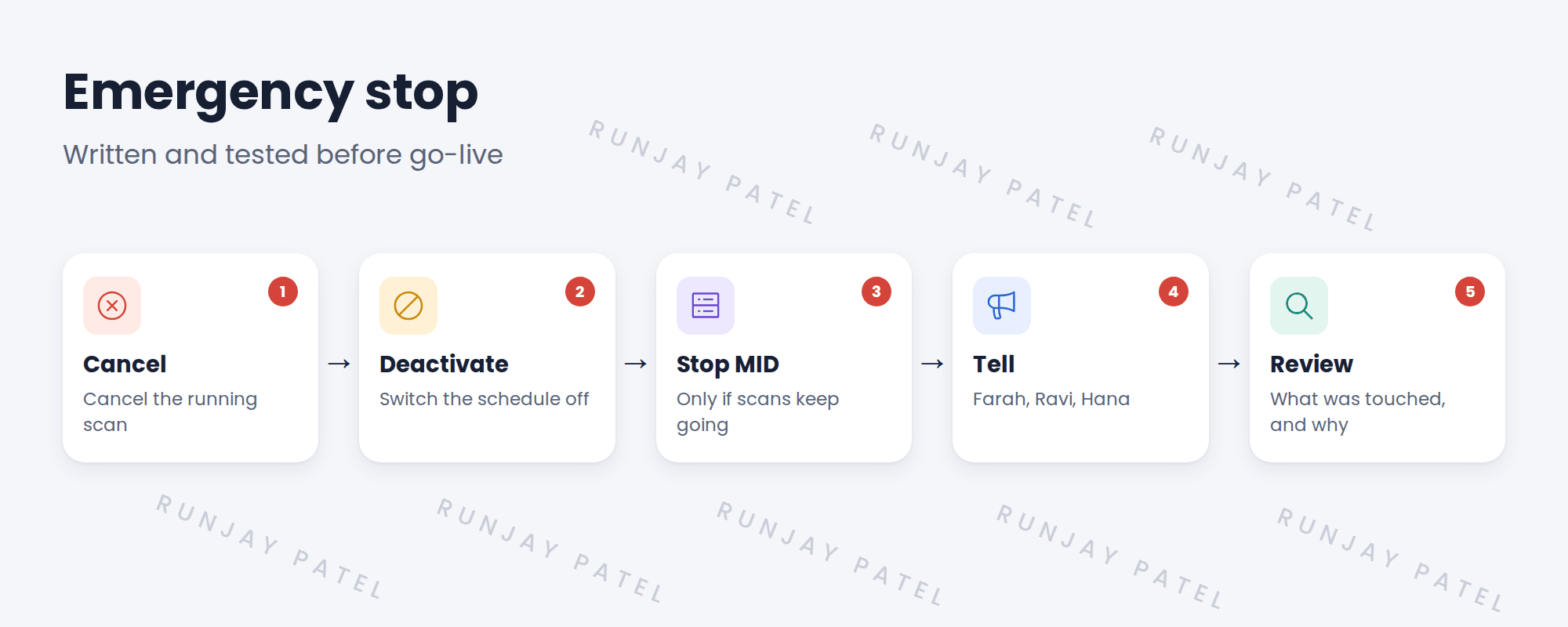
2 The stop steps
- Cancel the running Discovery from its status record.
- Deactivate the schedule.
- If jobs keep running, stop the MID Server service.
- Tell security and the owners.
- Review what was touched.
3 Rolling back configuration
If a configuration change caused the problem, back it out: revert the schedule through change, or back out the update set.
💡 Good to know: Need a refresher? See Fundamentals › Update Sets for backing out an update set.
4 Project Clear View: How We Implemented It
📍 Situation: Farah asked what happens if a scan goes wrong.
🧭 Decision: Write the emergency stop and test it before go-live.
🛠️ Steps we took:
- Wrote the five steps as SNWR Discovery emergency stop procedure.
- Tested it on snwrtest: started a scan and stopped it.
- Timed it: under 3 minutes.
- Added it to the runbook.
✅ What we verified:
- The stop works in under 3 minutes.
- Farah signed the procedure.
📁 Evidence: The emergency stop procedure in the runbook.
5 Quick recap
- Cancel the scan, deactivate the schedule, stop the MID if needed.
- Tell security and owners.
- Review what was touched.
- Test the stop before go-live.
6 Check yourself
Think of your answer first. Then tap to check.
1 What’s the first stop step? Show answer
Cancel the running Discovery from its status record.
2 When do you stop the MID Server? Show answer
Only if jobs keep running after cancelling and deactivating.
3 How long did SNWR’s test stop take? Show answer
Under 3 minutes.
Nice work! SNWR can stop Discovery fast. 🎉
Next up: Hypercare
Was this lesson helpful?
Please log in to share lesson feedback.
Have a question or doubt?
Ask here and get help from instructors and fellow learners.
Only logged-in learners can post.





