


Checking Pattern Content and MID Compatibility
On this page
In this lesson, you will learn:
- Where pattern content comes from
- How to check its version
- Why MID Servers must match the instance
🔁 Quick look back: Last time: Checking Instance Readiness: Plugins, Apps and Roles. You learned how to check an instance is ready for Discovery.
1 The Problem: Old Pattern Content Wastes Hours
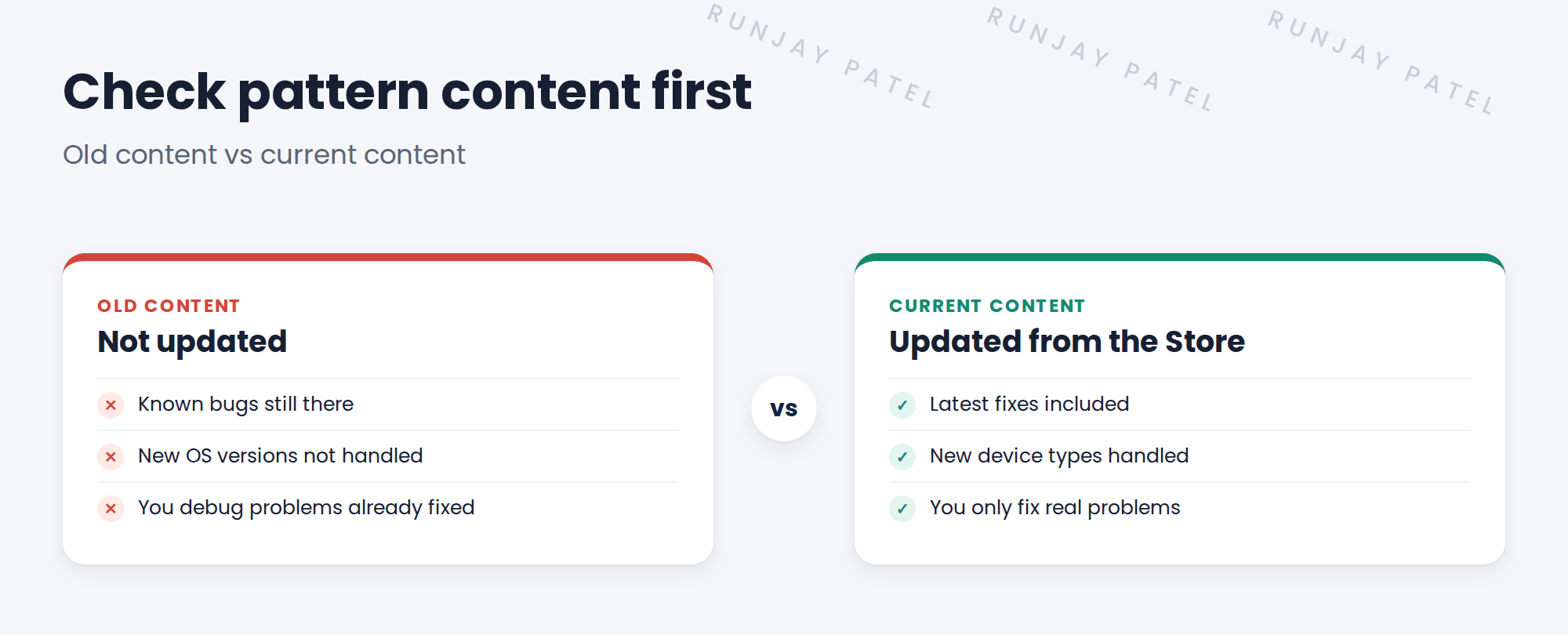
On another project, a team spent two days fixing a Linux pattern. Then they found the fix was already in a newer update. This happens because:
- Pattern updates ship as Store apps, not only with upgrades.
- Nobody checked the installed version.
👉 The fix: Check the pattern content version and MID compatibility before you build anything.
2 Where pattern content comes from
Key term: Discovery and Service Mapping Patterns
A Store app that delivers updated patterns.
Key term: Visibility Content
A Store app with updated versions of patterns that came with older releases.
Key term: MID Server version
The MID Server upgrades itself to match the instance. A stuck upgrade causes odd failures.
ServiceNow recommends keeping both content apps installed and current. Updates can arrive between platform upgrades.
3 What to check
- The installed version of both content apps, in the application manager.
- Whether a newer version is available.
- The release notes for fixes to patterns you’ll use, like Linux, Windows and vCenter.
- That MID Servers show the same version as the instance.
💡 Good to know: Update content on snwrdev first, test a scan, then move the update to the other instances.
4 Project Clear View: How We Implemented It
📍 Situation: Before building, you want to be sure SNWR’s patterns are current.
🧭 Decision: Check both content apps and plan updates through the normal change path.
🛠️ Steps we took:
- Asked Riya to show the installed versions of both content apps on snwrdev.
- Found both were a few versions behind.
- Riya updated them on snwrdev. You read the release notes for Linux, Windows and vCenter fixes.
- Planned the same update for snwrtest and snwr before the pilot.
✅ What we verified:
- Both apps on snwrdev are current.
- The update for the other instances is in the plan.
📁 Evidence: A content version note in the readiness checklist. Keeping content current becomes an operations task (see Operations Handover › Keeping Pattern Content Up to Date).
5 Quick recap
- Pattern updates ship through Store apps, between upgrades.
- Keep Discovery and Service Mapping Patterns and Visibility Content current.
- MID Servers should match the instance version.
- Update on dev first, test, then move on.
6 Check yourself
Think of your answer first. Then tap to check.
1 Name the two Store apps that deliver pattern content. Show answer
Discovery and Service Mapping Patterns, and Visibility Content.
2 Why check content versions before building? Show answer
So you don’t debug problems that a newer update already fixed.
3 What should a MID Server’s version match? Show answer
The instance’s version. MID Servers upgrade themselves to match it.
Nice work! SNWR’s pattern content is current. 🎉
Next up: Finding the Right Client Stakeholders
Was this lesson helpful?
Please log in to share lesson feedback.
Have a question or doubt?
Ask here and get help from instructors and fellow learners.
Only logged-in learners can post.





