


Using Workspace Diagnostics
On this page
In this lesson, you will learn:
- What workspace diagnostics show
- What anomaly detection flags
- How SNWR used them
🔁 Quick look back: Last time: Fixing MID Server Problems. You learned how snwr-mid-lon-01 was brought back after a patch.
1 The Problem: A Slow Schedule Hides in the Noise
One morning the London schedule took three times longer than usual. Nobody noticed, because:
- It still completed.
- Nobody compares run times by hand.
👉 The fix: Use workspace diagnostics, which flag unusual schedules for you.
2 What diagnostics show
- Schedules with unusual run times or error counts.
- MID Server health.
- Recent failures, grouped.
- Guided checks for common problems.
💡 Good to know: Diagnostics features grow with each workspace version. Check what your instance has.
3 Using them well
Look at the workspace daily. Treat a flagged schedule as a question: what changed? Then use the method you know.
4 Project Clear View: How We Implemented It
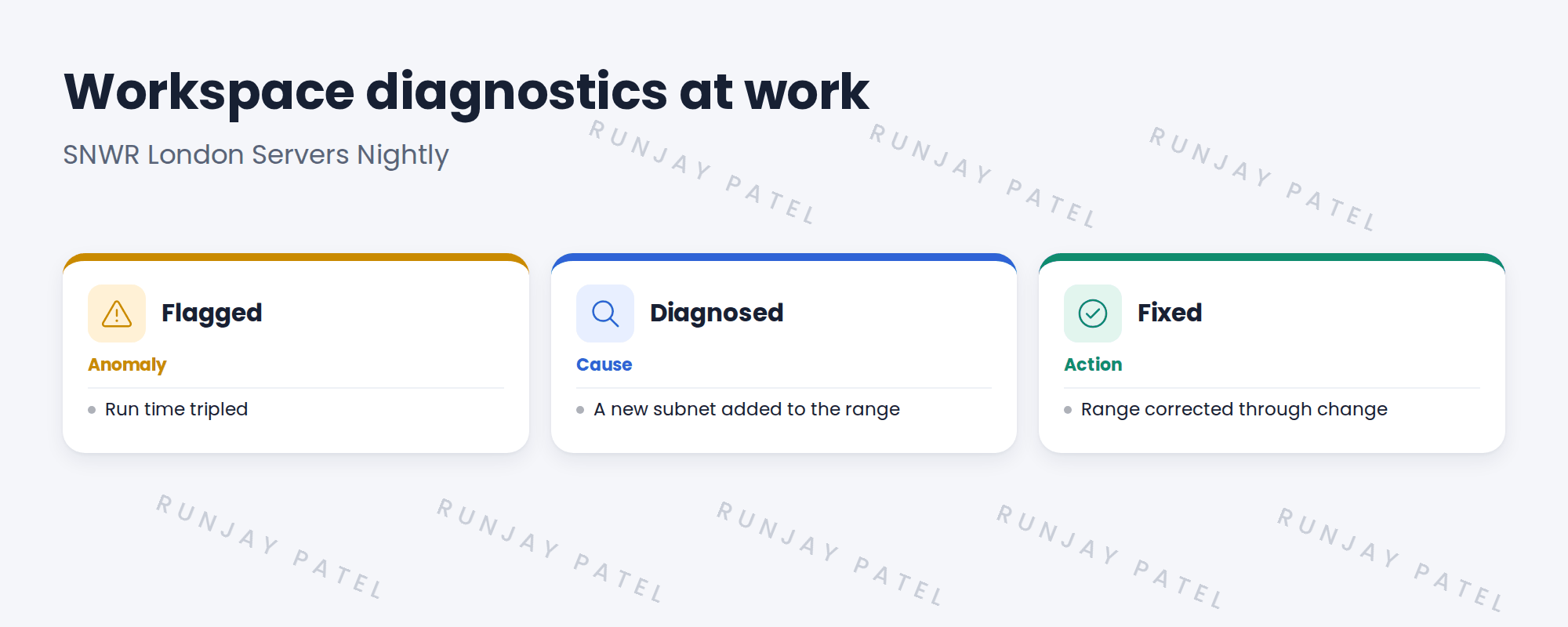
📍 Situation: The workspace flagged SNWR London Servers Nightly.
🧭 Decision: Find what changed, using the diagnostics and the change records.
🛠️ Steps we took:
- Opened the flagged schedule’s history.
- Saw many more addresses than usual.
- Found a recent change had added 10.20.0.0/16 instead of 10.20.10.0/24.
- Corrected the range through the standard change.
✅ What we verified:
- Run time back to normal.
- The next run wasn’t flagged.
📁 Evidence: Troubleshooting log entry, and a check added to the schedule change template.
5 Quick recap
- Diagnostics flag unusual schedules and failures.
- Treat a flag as ‘what changed?’.
- Check the workspace daily.
- Features vary by version.
6 Check yourself
Think of your answer first. Then tap to check.
1 What did the workspace flag? Show answer
SNWR London Servers Nightly, because its run time tripled.
2 What was the cause? Show answer
A change added 10.20.0.0/16 instead of 10.20.10.0/24.
3 How was it fixed? Show answer
The range was corrected through the standard change.
Nice work! You can spot problems before users do. 🎉
Next up: Probes and Sensors on Older Instances
Was this lesson helpful?
Please log in to share lesson feedback.
Have a question or doubt?
Ask here and get help from instructors and fellow learners.
Only logged-in learners can post.





