


Guided Setup and Discovery Properties
On this page
In this lesson, you will learn:
- What guided setup does
- What Discovery properties are
- Which properties SNWR changed
🔁 Quick look back: Last time: Credential Rotation and Governance. You learned how the credential register and rotation plan keep scans working.
1 The Problem: Too Many Settings to Know Where to Start
Discovery has many settings. On snwrdev, you could change dozens. But:
- Most defaults are fine.
- Changing the wrong one causes odd results.
👉 The fix: Follow guided setup, and change only the properties the design asks for.
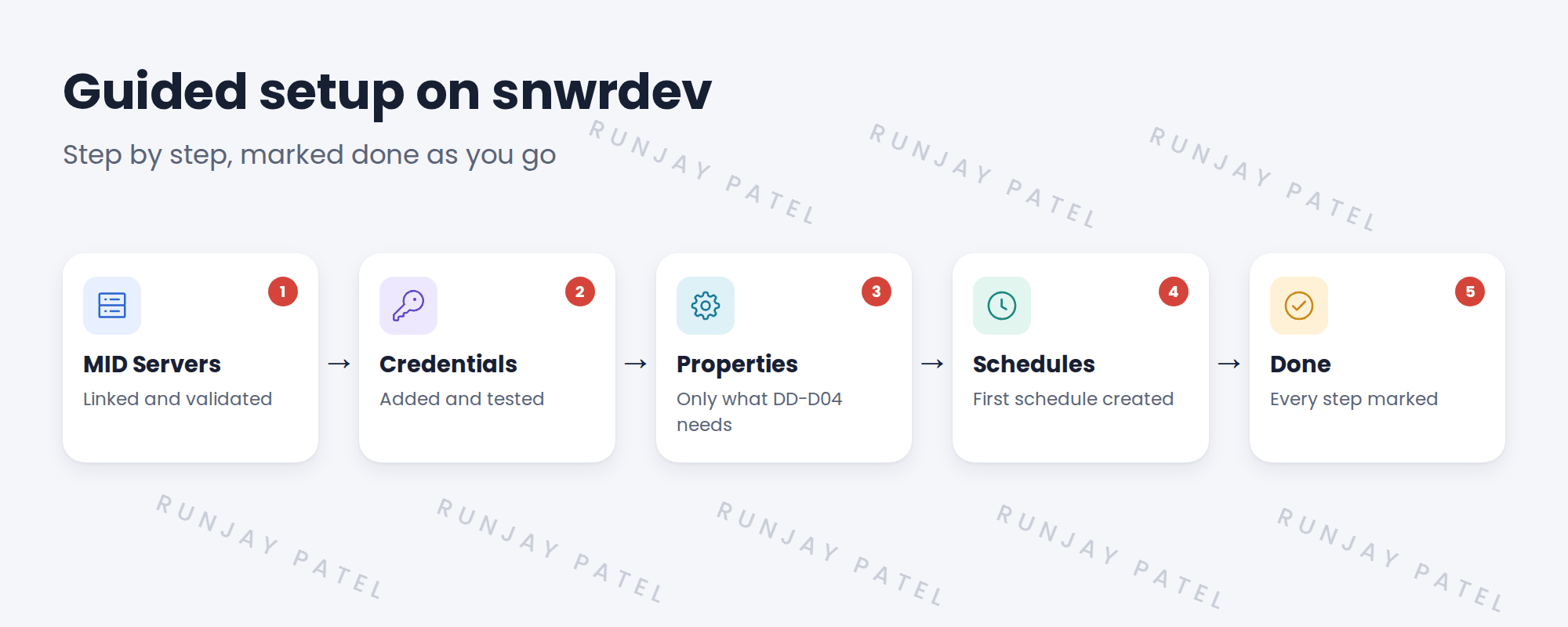
2 Guided setup
Guided setup lists the setup tasks in order and links to each one. It tracks what’s done. Use it on a new instance so nothing is missed.
💡 Good to know: The guided setup screens differ between releases and Store versions. Follow what your instance shows.
3 Discovery properties
Key term: Discovery property
A system setting that changes how Discovery behaves, such as how it names CIs.
| Example area | Why you might change it |
|---|---|
| How host names are stored | Keep names consistent, for example lowercase and no domain |
| Timeouts | Slow networks may need longer waits |
| What gets updated | Match field ownership rules |
⚠️ Heads up: Change a property only with a reason, and record it in the design. Undocumented changes are hard to trace later.
4 Project Clear View: How We Implemented It
📍 Situation: snwrdev is ready. The design lists a few property changes.
🧭 Decision: Walk guided setup and change only those properties.
🛠️ Steps we took:
- Opened guided setup on snwrdev.
- Linked snwr-mid-dev-01 and added the credentials.
- Set host names to be stored in lowercase without the domain, to match SNWR’s cleaned names.
- Marked each step done.
✅ What we verified:
- Guided setup shows all steps complete.
- Every property change is recorded in the design.
📁 Evidence: Property changes listed in the migration matrix (see Production Rollout › Building the Production Migration Matrix).
5 Quick recap
- Guided setup lists setup tasks in order.
- Discovery properties change how Discovery behaves.
- Change only what the design asks for.
- Record every property change.
6 Check yourself
Think of your answer first. Then tap to check.
1 What does guided setup do? Show answer
It lists setup tasks in order, links to each, and tracks what’s done.
2 Which property did SNWR change? Show answer
How host names are stored: lowercase, without the domain.
3 Why record property changes? Show answer
So they can be traced later and moved to other instances.
Nice work! Discovery is set up on snwrdev. 🎉
Next up: Discovery Behaviors and Functionality Definitions
Was this lesson helpful?
Please log in to share lesson feedback.
Have a question or doubt?
Ask here and get help from instructors and fellow learners.
Only logged-in learners can post.





