


Scoping Problem Management: Reactive and Proactive
On this page
In this lesson, you will learn:
- What reactive problem management is
- What proactive problem management is
- SNWR’s rules for opening problems
- How to spot trends in incident data
🔁 Quick look back: Last time: Problem Architecture and Lifecycle in Practice. You learned the problem states from New to Closed, and who owns each step.
1 “We can’t open a problem for everything”
Grace is keen. In week one, she opens 60 problems.
- Half are one-off incidents that will never happen again.
- Nobody has time to work them.
- The real VPN problem gets lost in the pile.
👉 The fix: agree clear rules for when to open a problem.
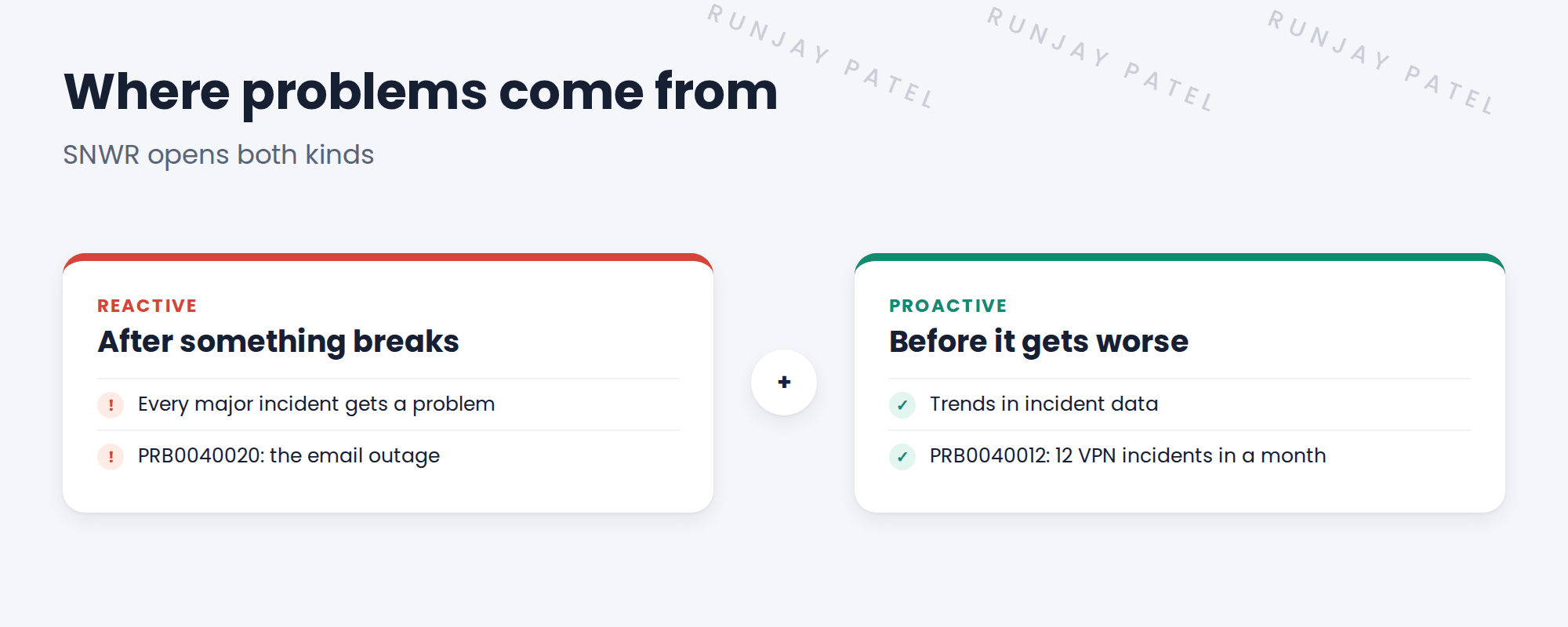
2 Reactive and proactive
Key term: Reactive problem management
Opening a problem after something has gone wrong, like a major incident.
Key term: Proactive problem management
Finding problems before they hurt more, by looking for trends in incident data.
3 SNWR’s rules
| Open a problem when… | Type |
|---|---|
| A major incident is resolved | Reactive (always) |
| The same issue causes 5 or more incidents in a month | Proactive |
| An agent sees the same fix used again and again | Proactive |
| A vendor warns about a known fault | Proactive |
📝 Note: Grace signed these off as decision DD-019.
4 How Grace spots trends
- A monthly report of incidents by category, subcategory and CI.
- A list of incidents with the same resolution notes.
- The top 10 CIs by number of incidents.
💡 Good to know: Good categories and CIs make trends easy to see. That’s why you cleaned them up earlier.
⭐ Remember: React to every major incident. Look for trends every month.
5 Quick recap
- Reactive: open a problem after something goes wrong
- Proactive: find problems early from trends
- SNWR opens a problem after every major incident
- And when one issue causes 5 or more incidents in a month
- Clean categories and CIs make trends visible
6 Check yourself
Think of your answer first. Then tap to check.
1 A major incident is resolved. Does SNWR open a problem? Show answer
Yes, always. That’s reactive.
2 12 VPN incidents in a month. Which kind of problem is PRB0040012? Show answer
Proactive.
3 Why not open a problem for every incident? Show answer
Too many problems means none get worked on.
4 What helps Grace spot trends? Show answer
Reports by category, subcategory and CI, and repeated resolution notes.
Nice work! You know when SNWR opens a problem. 🎉
Next up: Creating Problems from Incidents and Linking Them
Was this lesson helpful?
Please log in to share lesson feedback.
Have a question or doubt?
Ask here and get help from instructors and fellow learners.
Only logged-in learners can post.





