


Emergency Changes
On this page
In this lesson, you will learn:
- When a change is an emergency
- How the emergency path differs
- Who approves it at SNWR
- How to test it
🔁 Quick look back: Last time: Standard Change Proposals and Template Versions. You learned how a template is proposed, approved, updated and retired through proposals.
1 10:35, the email outage
Arjun knows the fix: move email to the backup server, snwr-mail-02.
- A normal change would wait for Tuesday’s CAB.
- Doing it with no record would be the Friday-night mistake again.
- Mumbai HQ has been without email for an hour.
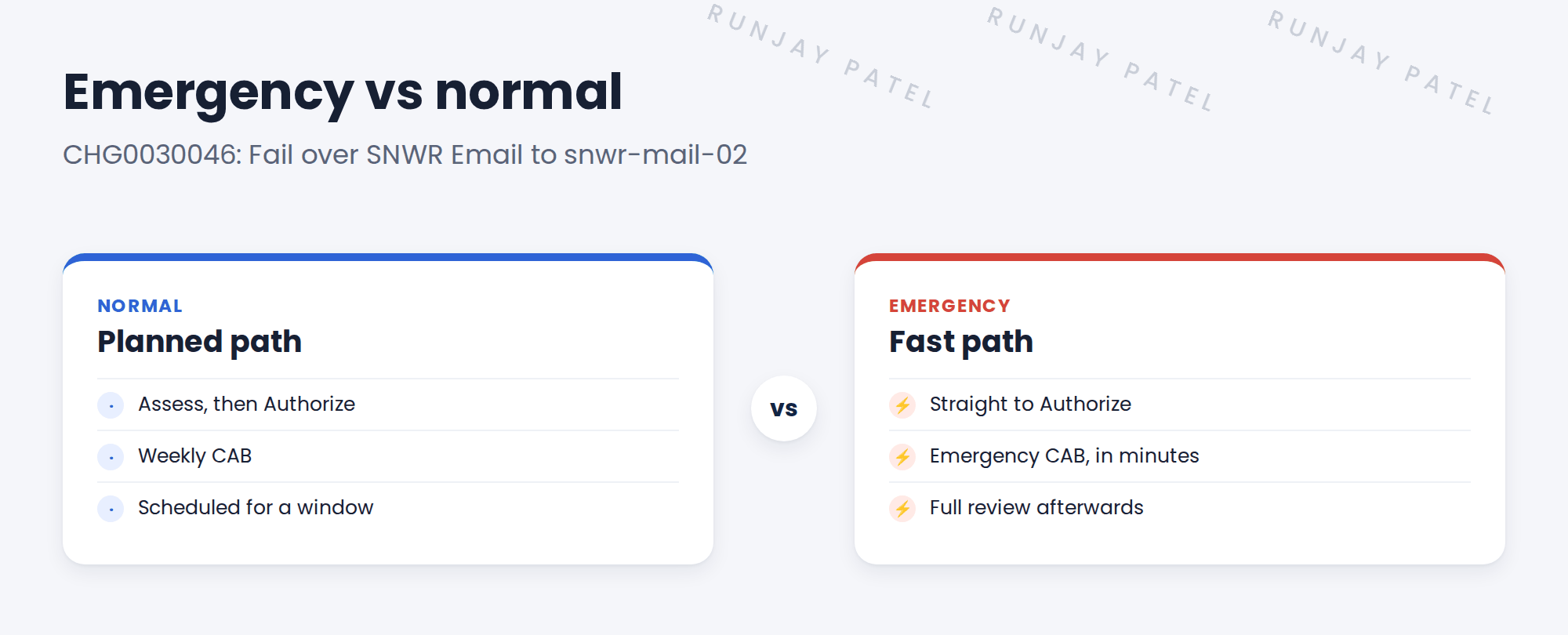
👉 The fix: raise an emergency change, with a short, fast approval path.
2 The emergency path
Key term: Emergency CAB
A small group that can approve emergency changes quickly, often by phone or chat.
| SNWR emergency CAB | |
|---|---|
| Members | Mei, Beth and Daniel |
| Approval | Any two of them |
| Target | Decision within 15 minutes |
3 After the emergency
- Link the change to the major incident, INC0010150.
- Review it in the next CAB meeting.
- Count emergency changes each month. Too many means planning problems.
⚠️ Heads up: An emergency change still needs a backout plan, even a short one. What if the failover fails?
4 Let’s try it: test an emergency change
- Create a new change and pick the Emergency type.
- Short description: Fail over SNWR Email to snwr-mail-02. Add a short plan and backout plan.
- Link it to your test major incident.
- Move it forward and look at the states. Which steps are skipped compared with normal?
- Check who is asked to approve it.
5 Quick recap
- Emergency changes fix or prevent a major incident, now
- They skip Assess and the weekly CAB
- The emergency CAB approves in minutes
- They still need a plan, a backout plan and a review
- Link them to the major incident
6 Check yourself
Think of your answer first. Then tap to check.
1 Why was the email failover an emergency change? Show answer
Email was down for a whole office, so it couldn’t wait for CAB.
2 Who approves SNWR’s emergency changes? Show answer
The emergency CAB: any two of Mei, Beth and Daniel.
3 Does an emergency change need a backout plan? Show answer
Yes, even a short one.
4 What does a high number of emergency changes suggest? Show answer
Planning problems.
Nice work! You tested SNWR’s emergency change path. 🎉
Next up: Change Plans and Change Tasks
Was this lesson helpful?
Please log in to share lesson feedback.
Have a question or doubt?
Ask here and get help from instructors and fellow learners.
Only logged-in learners can post.





