


Request Architecture: REQ, RITM and SCTASK
On this page
In this lesson, you will learn:
- The three records behind an order
- Where the order details are kept
- Who works on each record
- How the states move together
🔁 Quick look back: Last time: Scoping the SNWR Service Catalog. You learned how Lucas turned 40 kinds of emailed requests into 12 go-live items, knowledge links and one record producer.
1 “Which number do I look at?”
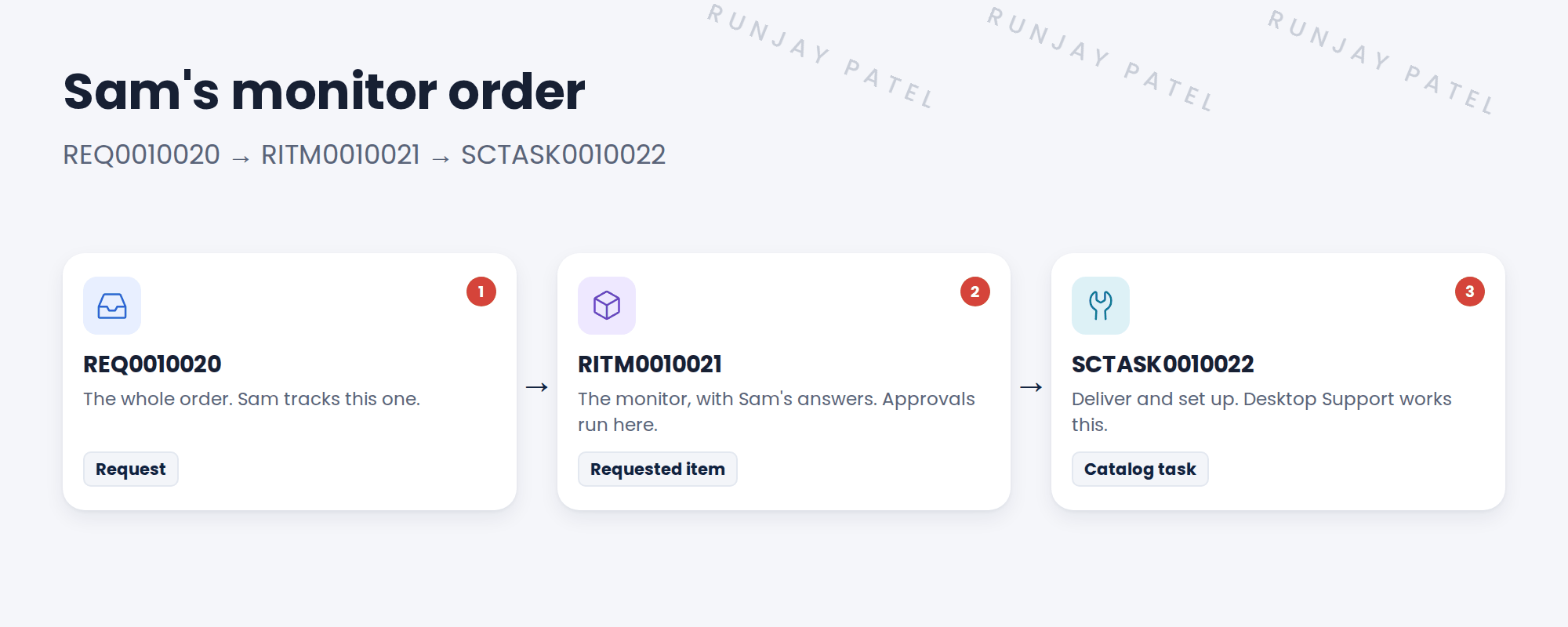
Sam orders a monitor. Three numbers appear.
- Sam sees REQ0010020 in Employee Center.
- Abel is asked about RITM0010021.
- Desktop Support works on SCTASK0010022.
👉 The fix: learn the three levels, and what each one is for.
2 The three levels
Key term: Request (REQ)
The whole order, like a shopping cart. Table: sc_request.
Key term: Requested item (RITM)
One item in the order, with its answers. Table: sc_req_item.
Key term: Catalog task (SCTASK)
One piece of work to deliver the item. Table: sc_task.
3 Who works on what
| Record | Who uses it |
|---|---|
| REQ | Sam, to see his whole order |
| RITM | Lucas and approvers, like Beth; the answers live here |
| SCTASK | SNWR Desktop Support, to do the work |
📝 Note: When all tasks close, the RITM closes. When all RITMs close, the REQ closes. A flow usually does this for you.
💡 Good to know: Need a refresher? See Fundamentals › Service Catalog › Request Fulfillment (REQ, RITM, Task).
4 Quick recap
- REQ is the whole order
- RITM is one item, with the requester’s answers
- SCTASK is one piece of work
- Approvals usually run on the RITM
- Closing tasks closes the RITM, then the REQ
5 Check yourself
Think of your answer first. Then tap to check.
1 Where are Sam’s answers, like monitor size, kept? Show answer
On the requested item, RITM0010021.
2 Which record does Desktop Support work on? Show answer
The catalog task, SCTASK0010022.
3 Sam orders a monitor and a keyboard together. How many REQs? Show answer
One REQ, with two RITMs.
4 When does the REQ close? Show answer
When all its RITMs close.
Nice work! You know the three levels of a request. 🎉
Next up: Catalog Taxonomy for SNWR
Was this lesson helpful?
Please log in to share lesson feedback.
Have a question or doubt?
Ask here and get help from instructors and fellow learners.
Only logged-in learners can post.





