


Personalize vs Configure vs Customize
On this page
In this lesson, you will learn:
- The three levels of change: personalize, configure, and customize
- Who does each one, and how risky it is
- Why admins should configure before they customize
1 Three ways to change ServiceNow
Almost every change in ServiceNow fits into one of three levels. Knowing the level tells you who should make the change and how careful you need to be.
Think of a rented apartment. 🏠
- Personalize: you move your own furniture around. Only your room changes.
- Configure: the landlord adds shelves using the built-in wall rails. The building was made for that.
- Customize: someone knocks down a wall. It works, but now the builders must be careful every time they repair the building.
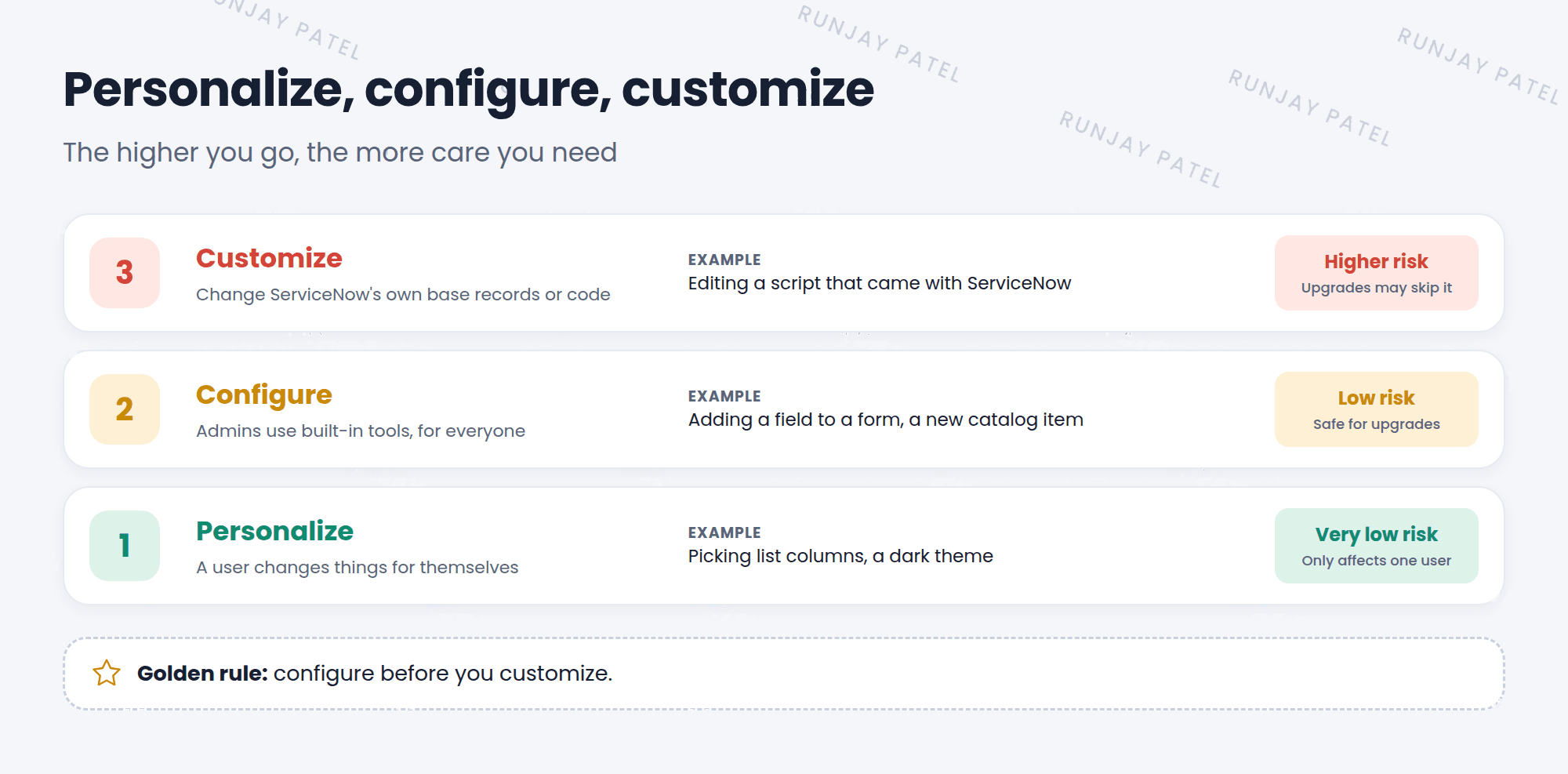
2 The three levels
Level 1: Personalize
A user changes things for themselves. Example: picking list columns or a dark theme.
Level 2: Configure
An admin uses built-in tools to change things for everyone. Example: adding a field to a form.
Level 3: Customize
Changing ServiceNow’s own base records or code. Example: editing a script that came with the platform.
| Level | Who | Affects | Risk |
|---|---|---|---|
| Personalize | Any user | Just them | 🟢 Very low |
| Configure | Admins | Everyone | 🟡 Low |
| Customize | Admins and developers | Everyone, and future upgrades | 🔴 Higher |
3 What counts as “base”?
Everything that comes with ServiceNow when you get it is called base system or out of the box (OOB). Customizing means changing those base items.
- Creating a new field, form section, or catalog item → configuring.
- Editing a script or rule that ServiceNow wrote → customizing.
- Deleting something that came with ServiceNow → customizing.
⚠️ Why customizing is risky: When ServiceNow upgrades your instance, it wants to update its base records. If you changed one, the upgrade skips it to protect your change. Now your version may miss new fixes and features. You’ll learn more in Lesson 9.2.
4 The golden rule
⭐ Remember: Configure before you customize. Always look for a built-in way first. Customize only when there’s a strong business reason and no other way.
💡 Good to know: Before customizing, ask: “Can we change the process instead of the tool?” Often the best answer is to follow how ServiceNow already works.
5 Let’s try it: sort the changes
Decide the level for each change. Then check your answers below.
- Riya hides the “Category” column in her own incident list.
- An admin adds a new “Floor number” field to the incident form.
- A developer edits a script that came with ServiceNow to change how incidents are numbered.
- An admin creates a new catalog item for “Request a monitor”.
✓ Show the answers Show answer
1: Personalize. 2: Configure. 3: Customize. 4: Configure.
6 Quick recap
- Personalize = a user changes things for themselves
- Configure = admins use built-in tools for everyone
- Customize = changing ServiceNow’s own base records or code
- Customizing can make upgrades harder
- Golden rule: configure before you customize
7 Check yourself
Think of your answer first. Then tap to check.
1 A user changes their own theme to dark. Which level is that? Show answer
Personalize.
2 Why is customizing riskier than configuring? Show answer
Upgrades may skip customized base records, so they miss new fixes and features.
3 What does “OOB” mean? Show answer
Out of the box: what comes with ServiceNow before anyone changes it.
Nice work! You finished this lesson. 🎉
Was this lesson helpful?
Please log in to share lesson feedback.
Have a question or doubt?
Ask here and get help from instructors and fellow learners.
Only logged-in learners can post.





