


Applications vs Plugins
On this page
In this lesson, you will learn:
- What a plugin is
- What a ServiceNow Store application is
- How plugins and store apps are different
- Where admins find both of them
1 Adding new features
A fresh instance doesn’t have every feature turned on. That keeps it simple. When a company needs something new, like the HR app or a new workspace, an admin adds it.
New features come in two main packages: plugins and store applications. 📦
2 What is a plugin?
Key term: Plugin
A feature that’s already built into the ServiceNow platform, but switched off. An admin activates it to turn it on.
Think of a new car. 🚗 It comes with features you can switch on, like cruise control. They were always inside the car. You just turn them on.
- Plugins come with the platform, so they update when the whole instance is upgraded.
- Each plugin has an ID. Many start with
com.snc, likecom.snc.i18n.frenchfor French. - Examples: language packs (like French), and some core features.
3 What is a store application?
Key term: Store application
An app you install from the ServiceNow Store. It has its own version number and can be updated on its own.
Think of the app store on your phone. 📱 You download an app, and it gets its own updates, separate from the phone’s system updates.
- Many ServiceNow products and workspaces are now store apps.
- They can get new versions between platform upgrades.
- Partners (other companies) also publish apps in the Store.
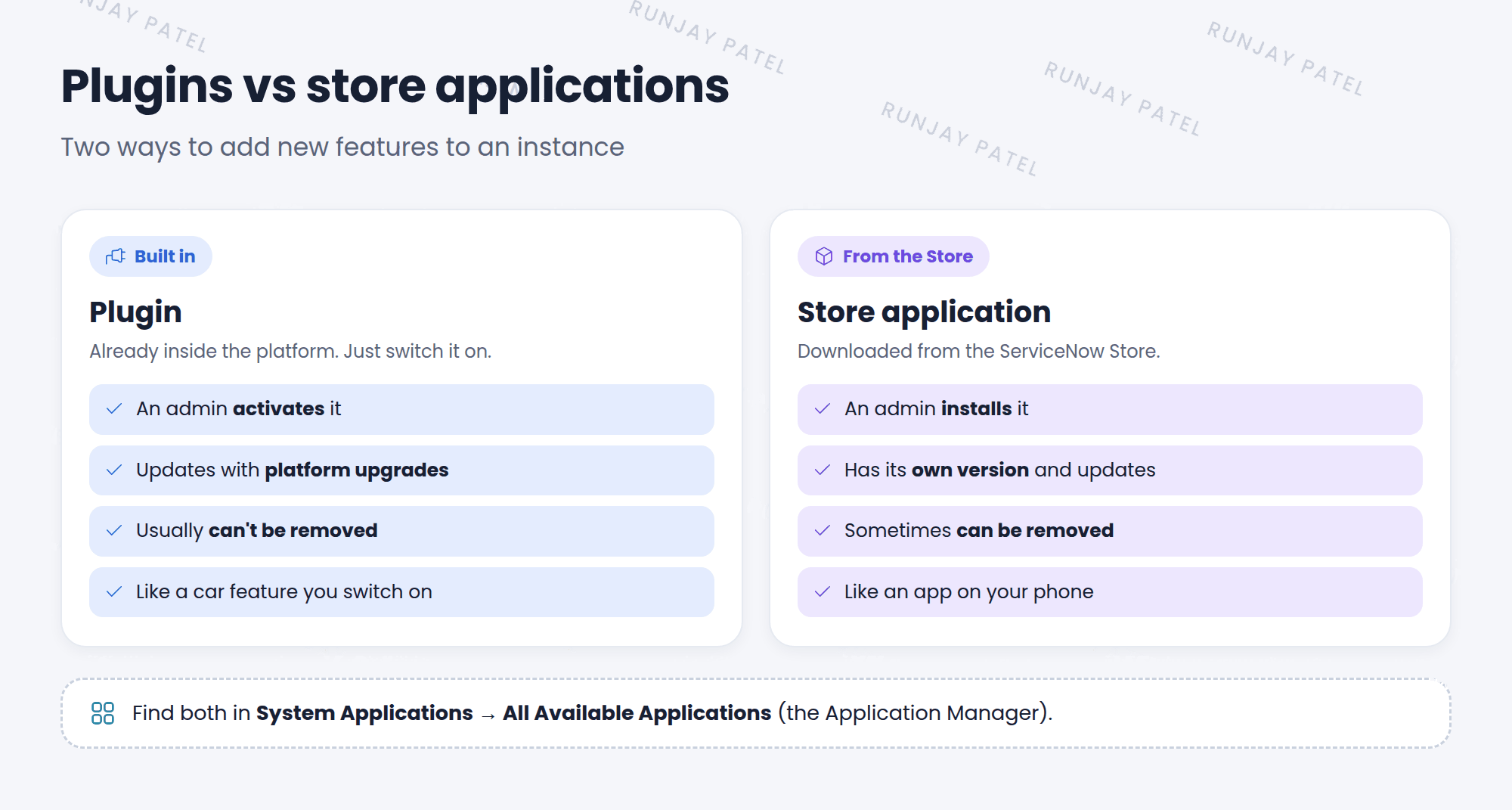
4 Side by side
| Plugin | Store application | |
|---|---|---|
| Comes from | Inside the platform | The ServiceNow Store |
| You… | Activate it | Install it |
| Updates | With platform upgrades | On its own, with new versions |
| Can remove? | Usually no | Sometimes |
⭐ Remember: Both are found in the same place: System Applications > All Available Applications. This page is often called the Application Manager.
⚠️ Heads up: Some apps need a paid license. In a real company, only install what the company has a license for. In your PDI, you can try most things for free.
5 Let’s try it: look around
- Click All and type
all available. Under System Applications, click All Available Applications > All. - Look at the list. Can you see which items are installed and which are not?
- Search for
French. You should find the French language plugin. Don’t install it yet! - Search for
workspace. Which workspaces could you add?
📝 Note: You’ll install something in the next lesson. For now, just explore.
6 Quick recap
- A plugin is built into the platform and gets activated
- A store application comes from the ServiceNow Store and gets installed
- Store apps have their own versions and updates
- Most plugins can’t be removed once activated
- Find both in System Applications > All Available Applications
7 Check yourself
Think of your answer first. Then tap to check.
1 A feature is already inside the platform, just switched off. Is it a plugin or a store app? Show answer
A plugin.
2 Which one can get new versions between platform upgrades? Show answer
A store application.
3 Where do you find both plugins and store apps? Show answer
System Applications > All Available Applications (the Application Manager).
Nice work! You finished this lesson. 🎉
Was this lesson helpful?
Please log in to share lesson feedback.
Have a question or doubt?
Ask here and get help from instructors and fellow learners.
Only logged-in learners can post.





