


Triggers & Actions
On this page
In this lesson, you will learn:
- The main types of flow triggers
- Common actions you’ll use in flows
- How to build a simple flow
1 Triggers: when does the flow start?
Every flow starts with one trigger. It’s the “when” of the flow. 🚦
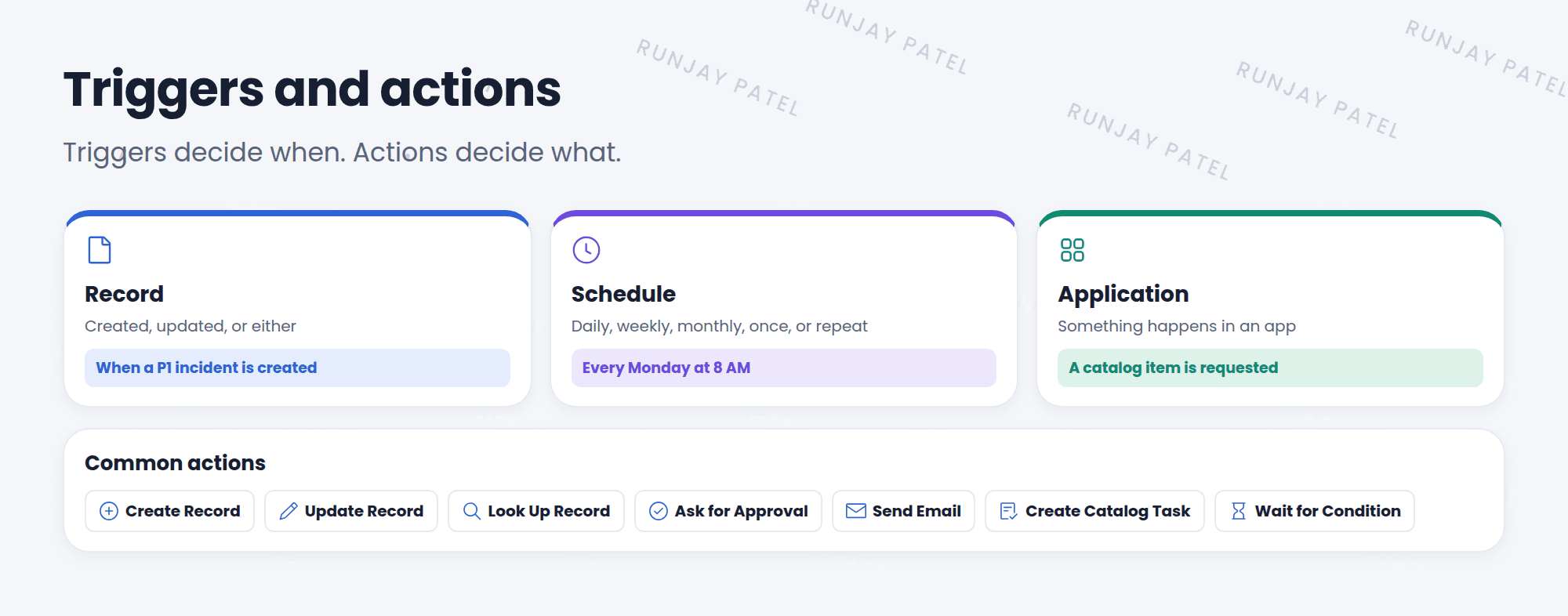
| Trigger type | Starts when… | Example |
|---|---|---|
| Record | A record is created, updated, or either | A P1 incident is created |
| Schedule | A time comes: daily, weekly, monthly, once, or repeat | Every Monday at 8 AM |
| Application | Something happens in an app | A catalog item is requested, an email arrives |
💡 Good to know: Record triggers have conditions, like “Priority is 1 – Critical”. Add them, or the flow will run for every record.
2 Actions: what does the flow do?
| Action | What it does |
|---|---|
| Create Record | Makes a new record, like a task |
| Update Record | Changes fields on a record |
| Look Up Record | Finds a record, like the user’s manager |
| Ask for Approval | Sends an approval and waits for the answer |
| Send Email / Send Notification | Emails someone |
| Create Catalog Task | Makes an SCTASK for a catalog request |
| Wait for Condition | Pauses until a record matches a condition |
3 Build a simple flow
- In Workflow Studio, create a new Flow. Name it “SNWR P1 alert”.
- Add a trigger: Record > Created, Table Incident, Condition Priority is 1 – Critical.
- Add an action: Send Email to the assignment group’s manager.
- Add an action: Update Record to add a work note: “P1 alert sent.”
- Click Save, then Activate. ✅
⚠️ Heads up: A saved flow doesn’t run until you Activate it. And a flow that updates the same record it triggers on can loop, so be careful with “Updated” triggers.
⭐ Remember: Trigger = when. Actions = what. Save, then Activate.
4 Let’s try it: your first flow
- Build the “SNWR P1 alert” flow from above.
- Activate it.
- Create a new P1 incident. Check its work notes. Did the flow add its note?
5 Quick recap
- Trigger types: Record, Schedule, and Application
- Add conditions to record triggers
- Common actions: Create, Update, Look Up, Ask for Approval, Send Email, Create Catalog Task
- Flows must be activated to run
6 Check yourself
Think of your answer first. Then tap to check.
1 A flow should run every Friday at 5 PM. Which trigger type? Show answer
Schedule (weekly).
2 Which action gets a manager’s yes or no? Show answer
Ask for Approval.
3 You saved a flow, but it never runs. What did you forget? Show answer
To activate it.
Nice work! You finished this lesson. 🎉
Was this lesson helpful?
Please log in to share lesson feedback.
Have a question or doubt?
Ask here and get help from instructors and fellow learners.
0 / 300
Only logged-in learners can post.





