


Demo Data & Dependencies
On this page
In this lesson, you will learn:
- What demo data is, and when to use it
- Why demo data doesn’t belong in Prod
- What dependencies are and how ServiceNow handles them
1 What is demo data?
When you install an app, ServiceNow may ask: “Load demo data?” Demo data is a set of sample records that come with the app, like example users, tickets, and articles.
Key term: Demo data
Fake sample records that show how an app works. Great for learning and testing, but not real.
Remember Beth Anglin and Abel Tuter? They’re demo users that came with your PDI. 🙂
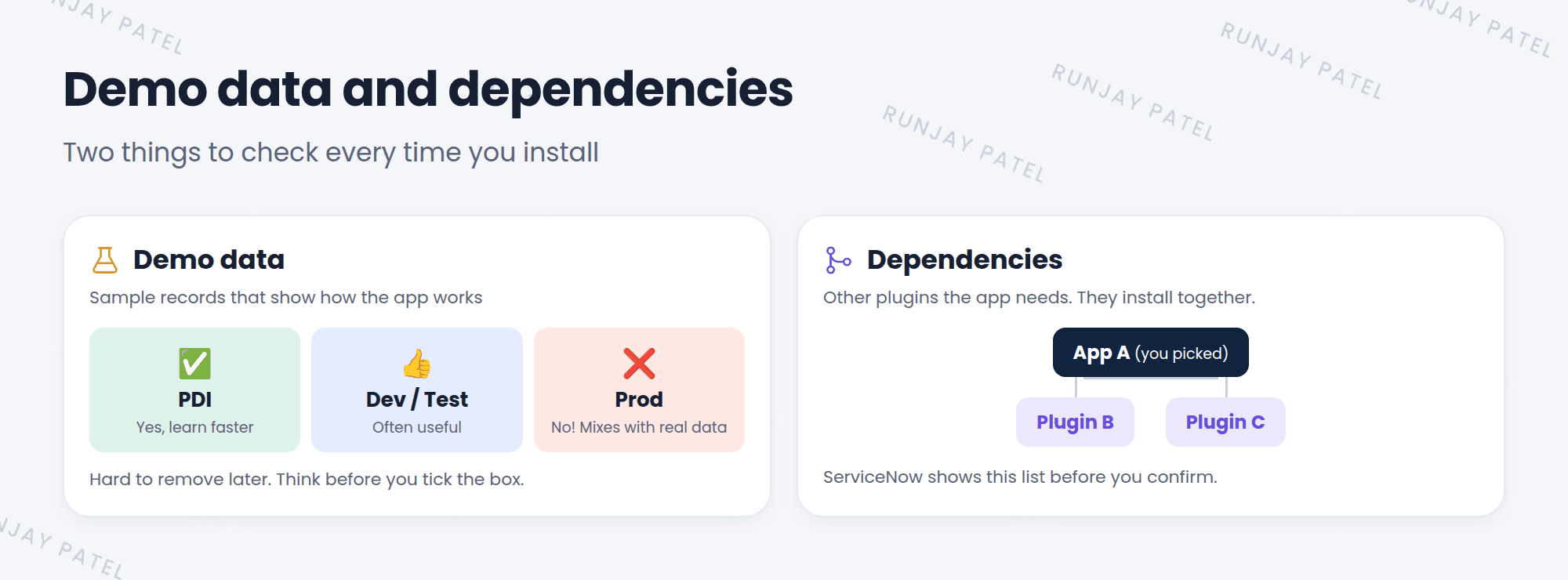
2 Demo data: yes or no?
| Instance | Load demo data? | Why |
|---|---|---|
| PDI | ✅ Yes | You learn faster with example records |
| Dev / Test | 👍 Often | Helps you test before real data arrives |
| Prod | ❌ No | Fake records would mix with real ones |
⚠️ Heads up: Demo data is hard to remove. There’s no “undo” button. If it lands in Prod, someone has to find and delete those records by hand. So think before you tick the box!
💡 Good to know: Forgot to load demo data in your PDI? It’s often possible to load it later. Search ServiceNow’s docs and support articles for “load demo data” for your app.
3 What are dependencies?
Some apps need other plugins or apps to work. These are called dependencies.
Key term: Dependency
Another plugin or app that must be installed for this one to work.
Think of a video game. 🎮 To play the new expansion pack, you first need the main game. The main game is a dependency.
- You choose to install App A.
- ServiceNow checks what App A needs.
- It shows you a list: App A also needs Plugin B and Plugin C.
- When you confirm, it installs all of them together. ✅
⭐ Remember: Always read the dependency list before you confirm. You’re installing everything on it, not just the app you picked.
4 Let’s try it: check an app
- Open System Applications > All Available Applications > All.
- Pick an app you haven’t installed, and open it.
- Find its dependencies. How many are there?
- Click Install, but stop at the confirmation window. Look for the demo data option, then cancel if you don’t want to install it.
5 Quick recap
- Demo data = sample records that show how an app works
- Load it in PDIs and often in Dev, never in Prod
- Demo data is hard to remove
- Dependencies are other plugins an app needs
- ServiceNow lists and installs dependencies with the app
6 Check yourself
Think of your answer first. Then tap to check.
1 Should you load demo data when installing an app in SNWR’s Prod instance? Show answer
No. Fake records would mix with real ones, and they’re hard to remove.
2 What is a dependency? Show answer
Another plugin or app that must be installed for this one to work.
3 You install App A and see Plugin B in the list too. What happens when you confirm? Show answer
Both App A and Plugin B are installed.
Nice work! You finished this lesson. 🎉
Was this lesson helpful?
Please log in to share lesson feedback.
Have a question or doubt?
Ask here and get help from instructors and fellow learners.
Only logged-in learners can post.





