


ITIL & ITSM Basics
On this page
In this lesson, you will learn:
- What a “service” is in IT
- What ITSM and ITIL mean
- The main ITSM processes in ServiceNow and how they connect
1 IT is a service
Think of a restaurant. 🍽️ You don’t care how the kitchen works. You care that your food comes out hot and on time. IT is the same: people don’t care about servers, they care that email, Wi-Fi, and their laptop just work.
When IT thinks of itself as a service for people, it needs good ways to handle problems, requests, and changes. That’s what ITSM is about.
Key term: ITSM
IT Service Management. How an IT team plans, delivers, and supports the services people use every day.
Key term: ITIL
A well-known set of best practices for ITSM. Many companies follow it. The current version is ITIL 4.
📝 Note: ITIL is a guide, not software. ServiceNow’s ITSM product is built to follow ITIL practices, so the words match: incident, problem, change, and request.
2 The main ITSM processes
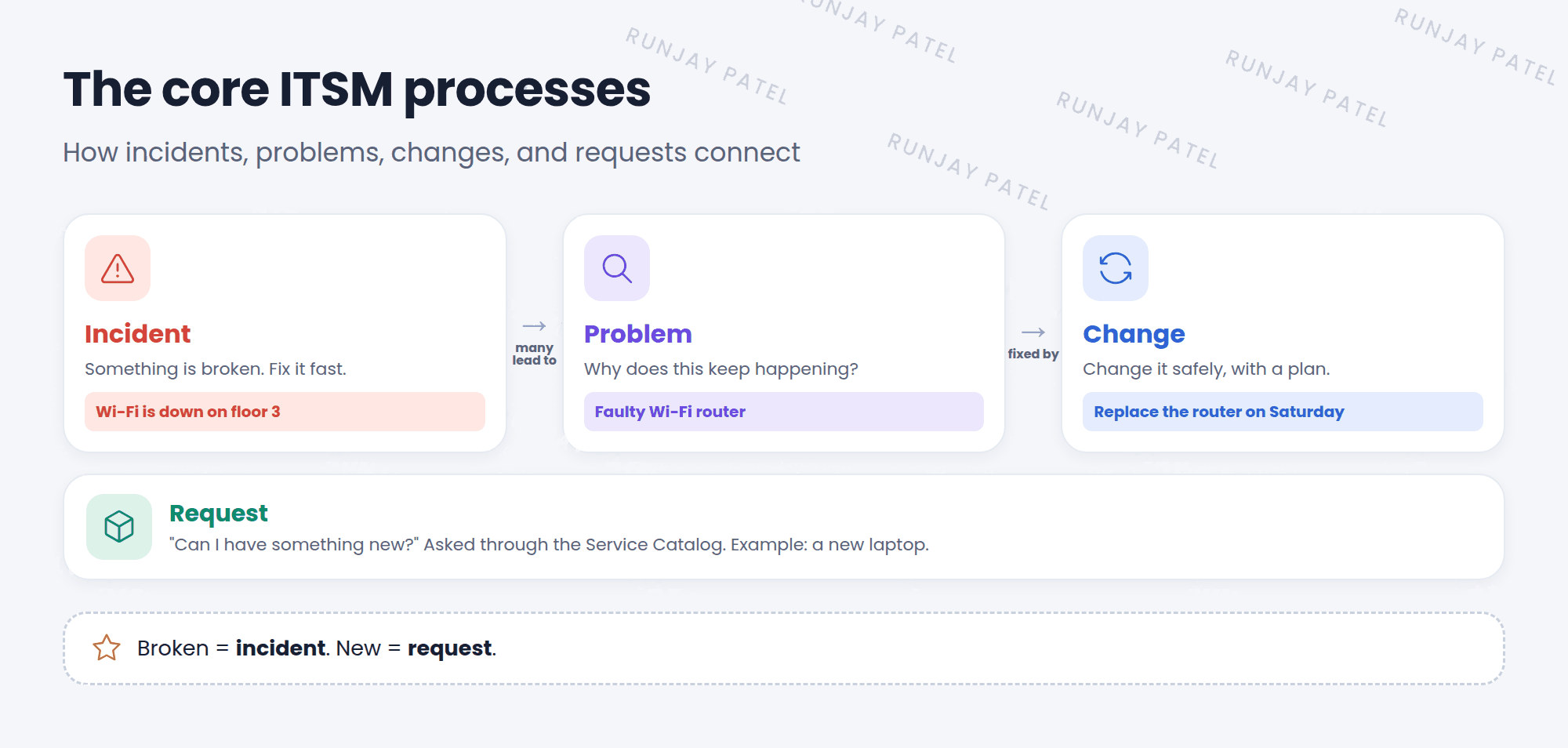
| Process | Answers the question | Example |
|---|---|---|
| Incident | “Something is broken. Can you fix it fast?” | Wi-Fi is down on floor 3 |
| Problem | “Why does this keep happening?” | The Wi-Fi router is faulty |
| Change | “How do we change this safely?” | Replace the router on Saturday |
| Request | “Can I have something new?” | A new laptop or software |
⚠️ Common mix-up: A broken laptop is an incident. A new laptop is a request. Incidents are for things that stopped working. Requests are for things people want.
3 Why ServiceNow + ITIL work well
- Everyone uses the same words, so teams understand each other.
- Records link together: an incident can point to a problem, and a problem to a change.
- All of them are tasks (Lesson 19.1), so they share assignment, SLAs, and notes.
⭐ Remember: Incident = fix it now. Problem = find the cause. Change = change it safely. Request = give me something new.
4 Let’s try it: find the four
- In the All menu, find the Incident, Problem, and Change application menus.
- Open Service Catalog and look at a few items you can request.
- Open any problem. Scroll to its related lists. Can you find related incidents?
5 Quick recap
- ITSM = IT Service Management
- ITIL = best practices for ITSM (current version: ITIL 4)
- Core processes: Incident, Problem, Change, and Request
- Broken = incident. New = request
- In ServiceNow, these records link together
6 Check yourself
Think of your answer first. Then tap to check.
1 A user wants Adobe Photoshop installed. Incident or request? Show answer
A request. They want something new.
2 The same printer error happens every week. Which process finds out why? Show answer
Problem management.
3 Is ITIL a piece of software? Show answer
No. It’s a set of best practices. ServiceNow ITSM follows it.
Nice work! You finished this lesson. 🎉
Was this lesson helpful?
Please log in to share lesson feedback.
Have a question or doubt?
Ask here and get help from instructors and fellow learners.
Only logged-in learners can post.





