


Global vs Scoped Apps
On this page
In this lesson, you will learn:
- The differences between global and scoped apps
- How a scoped app controls access to its tables
- How cross-scope access works
1 Global vs scoped
The Global scope is the big shared space. Most older customizations, like the u_ tables and fields you made, live there. Scoped apps live in their own namespace. 🏠
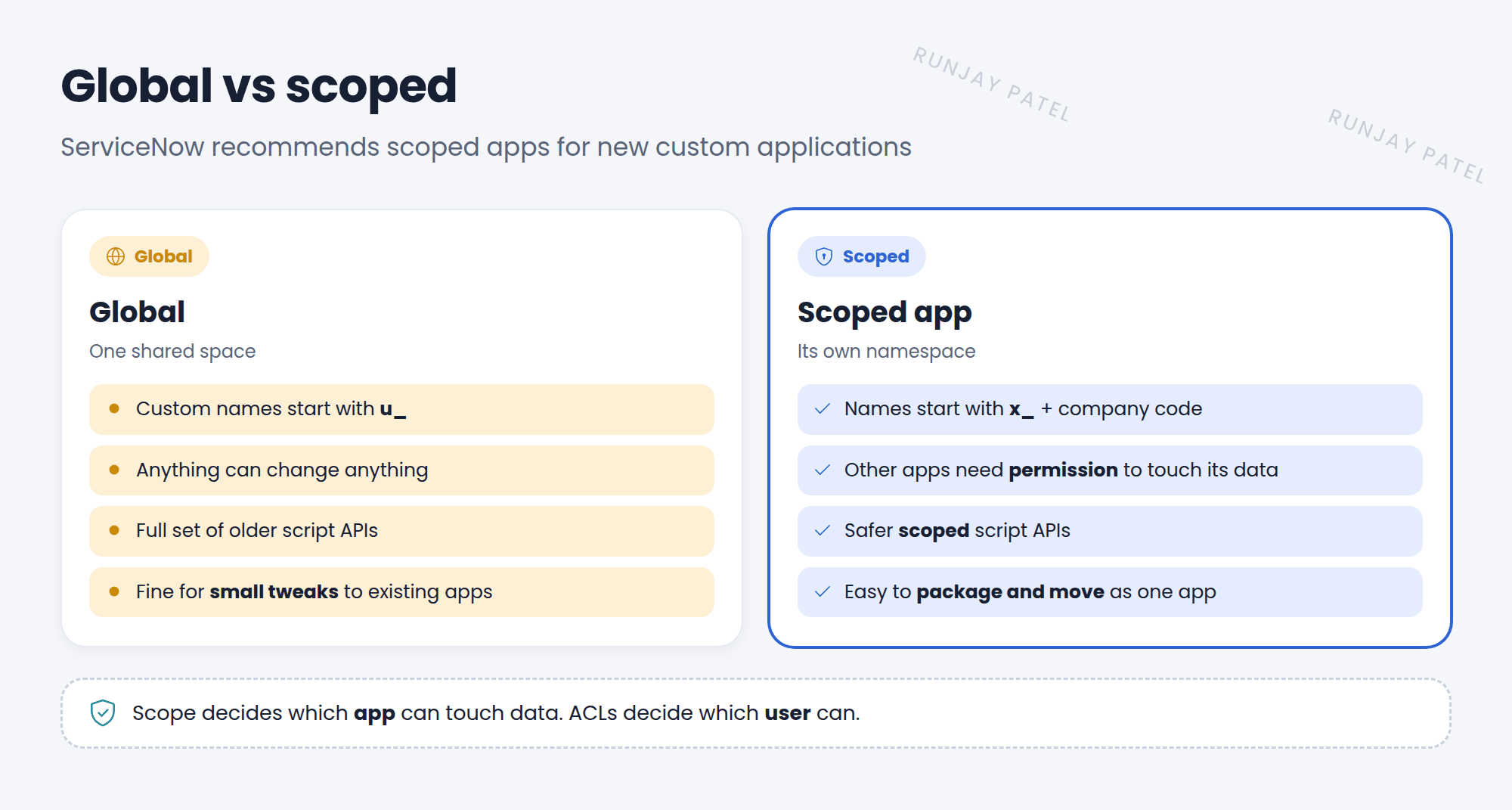
| Global | Scoped | |
|---|---|---|
| Name prefix | u_ |
x_snwr_rooms_ |
| Protection | Anything can change anything | Other apps need permission |
| Script APIs | Full set, including older ones | A safer, “scoped” set (for example, use gs.info(), not gs.log()) |
| Moving it | Update sets | Update sets, or as a whole app (source control, app repository) |
| Best for | Small changes to existing apps, like Incident | New custom applications |
2 Protecting a scoped table
On a scoped table’s record, the Application Access section decides what other scopes can do:
- Accessible from: This application scope only, or All application scopes.
- Can read / Can create / Can update / Can delete: which operations other scopes may do.
- Allow configuration: whether other scopes can add fields or business rules to it.
- Allow access to this table via web services: whether integrations can reach it.
3 Cross-scope access
When a script in one scope uses something in another scope, like a table or a script include, that’s cross-scope access. ServiceNow records it in Cross scope privileges.
📝 Note: Each app has a Runtime Access Tracking setting. Tracking allows the call and records it. Enforcing blocks calls that haven’t been approved in Cross scope privileges.
💡 Good to know: ACLs still apply inside scoped apps. Scope decides which app can touch the data. ACLs decide which user can.
⭐ Remember: Global = shared, u_. Scoped = protected, x_. Scoped tables choose what other apps can do.
4 Let’s try it: check a table’s access
- Open System Definition > Tables. Find a table whose name starts with
x_orsn_. - Open it and find the Application Access tab. What can other scopes do?
- Compare with your global u_room_booking table. Is there an Application Access section?
5 Quick recap
- Global is one shared space. Scoped apps are protected
- Scoped apps use safer scoped APIs
- Application Access controls what other scopes can do with a table
- Cross-scope calls are tracked, or enforced, in Cross scope privileges
6 Check yourself
Think of your answer first. Then tap to check.
1 You’re building a brand-new app for SNWR Facilities. Global or scoped? Show answer
Scoped.
2 Which table setting lets other scopes read a scoped table? Show answer
Accessible from: All application scopes, with Can read checked.
3 Scope decides which app can touch data. What decides which user can? Show answer
ACLs.
Nice work! You finished this lesson. 🎉
Was this lesson helpful?
Please log in to share lesson feedback.
Have a question or doubt?
Ask here and get help from instructors and fellow learners.
Only logged-in learners can post.





