


Client Scripts vs UI Policies
On this page
In this lesson, you will learn:
- How client scripts and UI policies are alike, and how they differ
- Which one runs first on a form
- How to choose the right one
1 Two tools for the same form
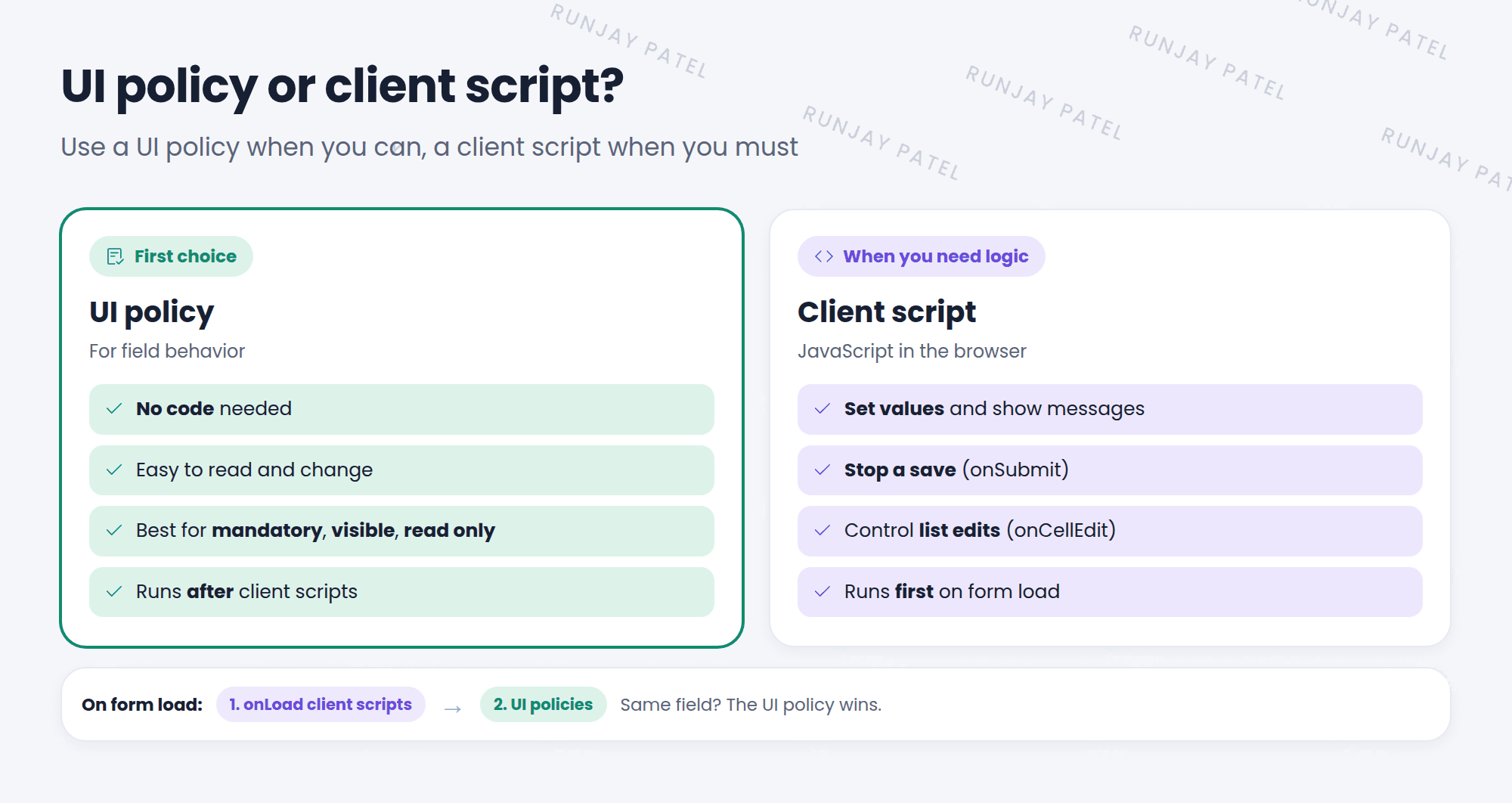
Client scripts and UI policies both run in the browser and both change forms. So which should you use? 🤔 The short answer: use a UI policy when you can, and a client script when you must.
2 Side by side
| UI policy | Client script | |
|---|---|---|
| Code needed? | No (scripts optional) | Yes |
| Mandatory / visible / read only | ✅ Best choice | ✅ Possible |
| Set a field value | Only with a script | ✅ |
| Stop a save | ❌ | ✅ onSubmit |
| Control list editing | ❌ | ✅ onCellEdit |
| Runs when | After client scripts | First |
3 Which runs first?
When a form loads, onLoad client scripts run first, then UI policies. So if both change the same field, the UI policy wins.
⚠️ Heads up: A classic puzzle: “My client script makes a field mandatory, but it isn’t!” Check for a UI policy on the same field. It runs later and can undo your script.
4 How to choose
- Mandatory, visible, or read only? UI policy.
- Set or clear a value, or show a message? Client script (or a UI policy script).
- Check before saving? onSubmit client script.
- Control list edits? onCellEdit client script.
- Must work for imports and integrations too? Neither alone. Add a data policy or business rule.
💡 Good to know: ServiceNow recommends UI policies over client scripts for field attributes. They’re easier to read, and they don’t need a developer to change them.
⭐ Remember: UI policy first choice for field behavior. Client script for logic. On load: client scripts, then UI policies.
5 Let’s try it: see who wins
- Create an onLoad client script on Incident:
g_form.setMandatory('cmdb_ci', true); - Your Network needs a CI UI policy (Lesson 33.1) sets Configuration item to not mandatory when Category isn’t Network (Reverse if false).
- Open an incident with Category Software. Is Configuration item mandatory? Why not?
- Deactivate the test client script when you’re done.
6 Quick recap
- Both run in the browser and change forms
- UI policies: best for mandatory, visible, and read only
- Client scripts: for values, messages, save checks, and list edits
- onLoad client scripts run before UI policies
- If both touch one field, the UI policy wins
7 Check yourself
Think of your answer first. Then tap to check.
1 You need to hide a field when State is Closed. Client script or UI policy? Show answer
UI policy.
2 Which runs first on form load: onLoad client scripts or UI policies? Show answer
onLoad client scripts.
3 You need to stop a save if a date is in the past. Which tool? Show answer
An onSubmit client script.
Nice work! You finished this lesson. 🎉
Was this lesson helpful?
Please log in to share lesson feedback.
Have a question or doubt?
Ask here and get help from instructors and fellow learners.
Only logged-in learners can post.





