


Applies On: Item, RITM & Task
On this page
In this lesson, you will learn:
- Where catalog variables show up after a request
- What each “Applies on” checkbox does
- How to choose the right settings
1 Variables live on after ordering
When Riya orders a monitor, her answers don’t disappear. The variables show up again on the requested item (RITM), and on the catalog task the fulfiller works on (Lesson 26.4). 📦
So a question: should your catalog UI policy or client script run in those places too? The Applies on checkboxes decide.
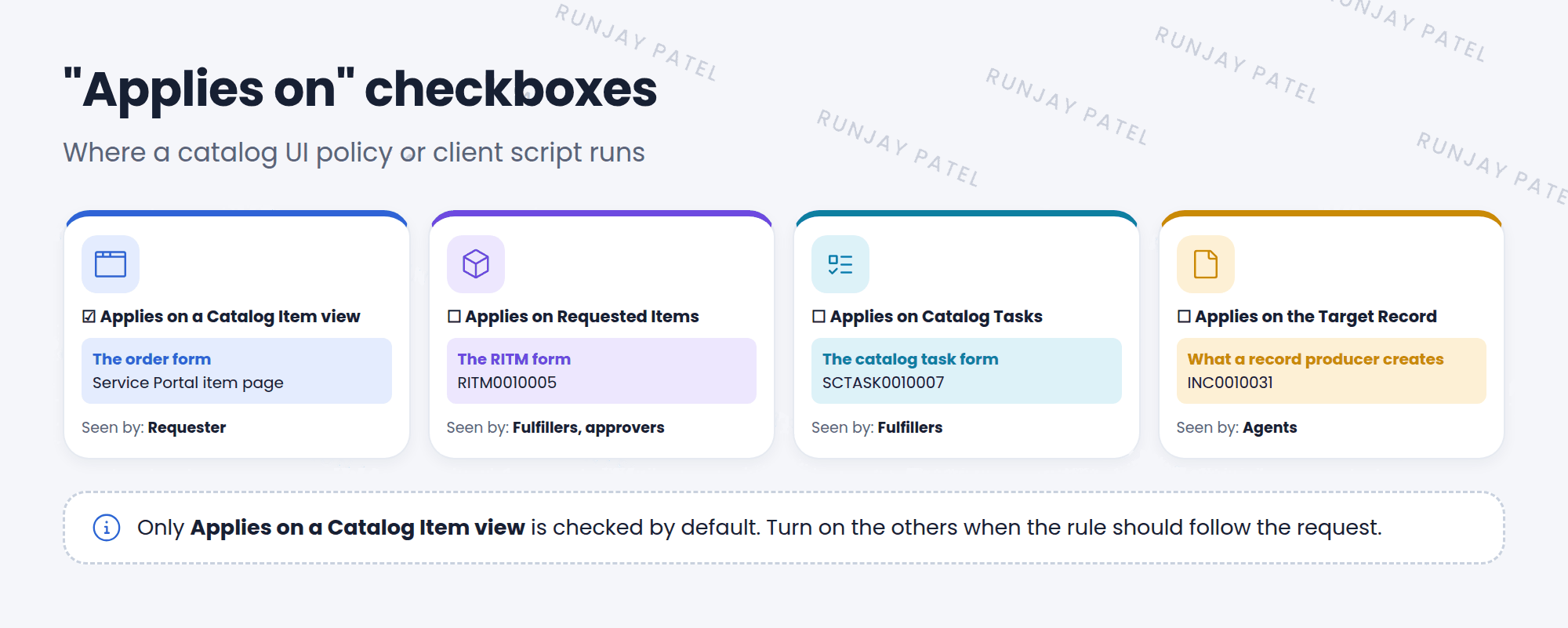
2 The four checkboxes
| Checkbox | Runs on | Seen by |
|---|---|---|
| Applies on a Catalog Item view | The order form | The requester |
| Applies on Requested Items | The RITM form | Fulfillers and approvers |
| Applies on Catalog Tasks | The SCTASK form | Fulfillers |
| Applies on the Target Record | The record a record producer creates | Agents (for example, on the incident) |
📝 Note: Applies on a Catalog Item view is checked by default. The others are usually off, so a policy only affects the order form unless you turn them on.
3 Choosing the right settings
- Only helps the requester fill in the form? Keep just the Catalog Item view.
- Fulfillers must fill in a variable later? Turn on Catalog Tasks, and make the variable mandatory there.
- Nobody should change answers after ordering? Use a policy on Requested Items and Catalog Tasks that makes variables read only.
- Record producer? Turn on Target Record if the rule should apply on the created record too.
⚠️ Heads up: A mandatory rule on the RITM or task can block fulfillers from saving if they don’t know the answer. Think about who will see each form.
⭐ Remember: Item view = requester. Requested Items = RITM. Catalog Tasks = SCTASK. Target Record = what a record producer creates.
4 Let’s try it: lock the answers
- Open SNWR Request a monitor. Create a new catalog UI policy: Lock answers after ordering. No condition.
- Uncheck Applies on a Catalog Item view. Check Applies on Requested Items and Applies on Catalog Tasks. Save.
- Add actions: Monitor size and Business reason, Read only True.
- Order the item. Open the new RITM. Can you change the answers? Now try the order form again. Is it still editable?
5 Quick recap
- Variables appear on the order form, the RITM, the catalog task, and the target record
- Applies on checkboxes choose where a catalog policy or script runs
- By default, only the Catalog Item view is on
- Think about who sees each form before making things mandatory
6 Check yourself
Think of your answer first. Then tap to check.
1 Which checkbox makes a policy run on the SCTASK form? Show answer
Applies on Catalog Tasks.
2 Which checkbox is for record producers? Show answer
Applies on the Target Record.
3 You want a rule only on the order form. Which checkboxes do you keep on? Show answer
Only Applies on a Catalog Item view.
Nice work! You finished this lesson. 🎉
Was this lesson helpful?
Please log in to share lesson feedback.
Have a question or doubt?
Ask here and get help from instructors and fellow learners.
Only logged-in learners can post.





