


Data Policies vs UI Policies
On this page
In this lesson, you will learn:
- The key differences between data policies and UI policies
- When to use each one
- How to use them together
1 Two tools, two jobs
UI policies and data policies look alike. Both have a table, a condition, and a list of field changes. But they protect different things. 🛡️
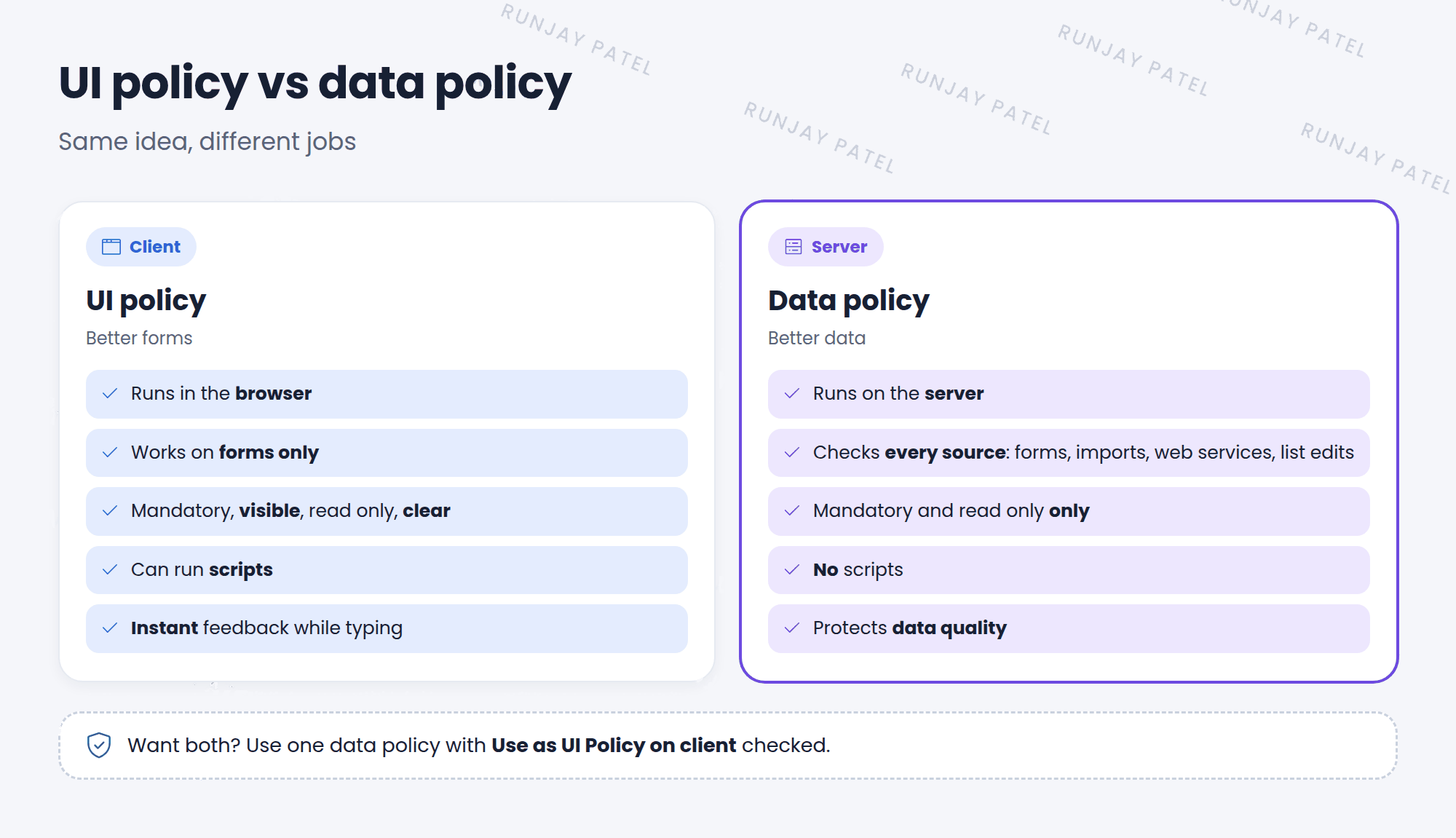
| UI policy | Data policy | |
|---|---|---|
| Runs on | Client (browser) | Server |
| Protects | Forms only | All sources: forms, imports, web services, list edits |
| Mandatory | ✅ | ✅ |
| Read only | ✅ | ✅ |
| Visible | ✅ | ❌ |
| Clear value | ✅ | ❌ |
| Scripts | ✅ | ❌ |
| Found in | System UI > UI Policies | System Policy > Rules > Data Policies |
2 Which one should you use?
- Showing, hiding, or clearing fields? UI policy. Only it can do that.
- Making a form friendlier? UI policy. It reacts instantly.
- The rule must hold no matter how data arrives? Data policy.
- Both? Use a data policy with Use as UI Policy on client checked.
💡 Good to know: Think of it like a building. The UI policy is the friendly sign at the front door. The data policy is the lock on every door. 🔐
⚠️ Heads up: Don’t build the same rule twice, once as a UI policy and once as a data policy. It’s harder to maintain. Use one data policy with Use as UI Policy on client instead.
⭐ Remember: UI policy = client, forms, can hide. Data policy = server, all sources, can’t hide.
3 Let’s try it: spot the right tool
- Open your Caller is always required data policy from Lesson 34.1. Is Use as UI Policy on client checked?
- Open a new incident. Is Caller mandatory on the form? (That’s the data policy acting as a UI policy.)
- Open your Network needs a CI UI policy. Could it be a data policy instead? What would you lose? (Hint: the script.)
4 Quick recap
- UI policies improve forms. Data policies protect data
- Only UI policies can hide fields, clear values, and run scripts
- Only data policies check imports, web services, and list edits
- Use Use as UI Policy on client to get both from one data policy
5 Check yourself
Think of your answer first. Then tap to check.
1 You need to hide a field when State is Closed. Which one? Show answer
A UI policy. Data policies can’t hide fields.
2 An import keeps creating incidents with no Short description. Which one fixes it? Show answer
A data policy with Short description mandatory and Apply to import sets checked.
3 Which runs on the server? Show answer
The data policy.
Nice work! You finished this lesson. 🎉
Was this lesson helpful?
Please log in to share lesson feedback.
Have a question or doubt?
Ask here and get help from instructors and fellow learners.
Only logged-in learners can post.





